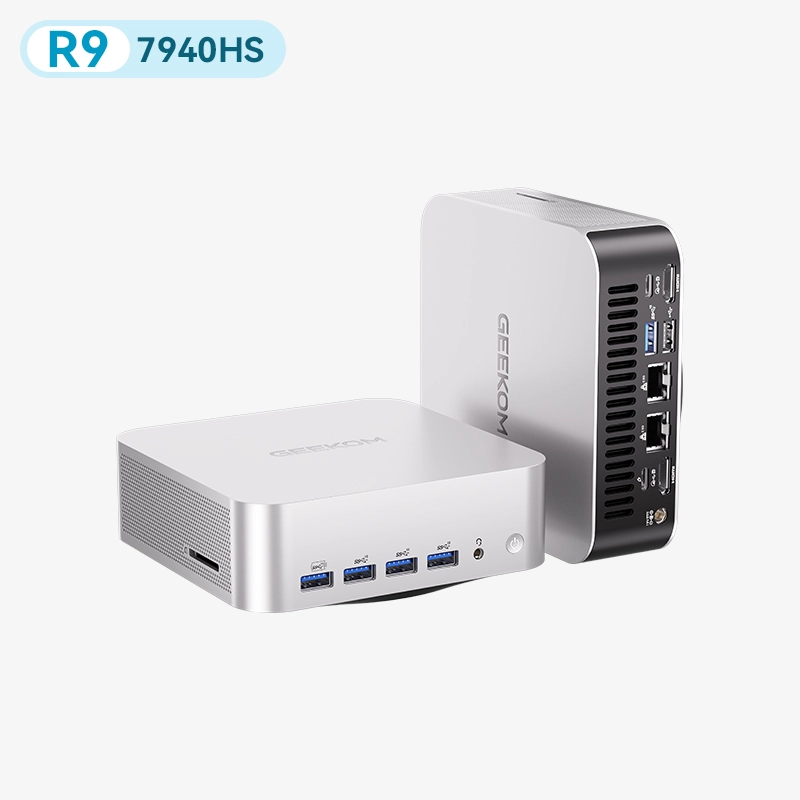
geekom
GEEKOM A7 Max
This GEEKOM desktop is aimed at creators who need a dependable workhorse for editing and design rather than a machine built only f
64GBZen 4 value tier

This ASUS mini PC is aimed at reliable daily work where a quiet box behind a monitor or on a counter keeps running without complaint. Inside is the Ryzen 7 7735HS, an eight-core, sixteen-thread processor rated at 35W, with the Radeon 680M graphics engine carrying 12 RDNA 2 compute units, and a Ryzen 5 7535HS variant sits below it for simpler configurations. There is no dedicated neural processor, so treat local AI as light duty only: a quantized 7B model can manage occasional chat work and a 14B model can run at a push, while transcription, search, and document summaries usually suit a larger or NPU-equipped machine better. Memory uses two socketed SO-DIMM slots for DDR5-4800 or 5200 up to 64GB, so you can start modest and grow as staff, browser tabs, and applications demand. Storage is equally practical, with two M.2 2280 PCIe 4.0 x4 slots taking drives up to 2TB each plus an optional 2.5-inch SATA bay for a cloned image or spare volume. Two USB-C display ports plus HDMI and DisplayPort outputs, one or two 2.5-gigabit Ethernet ports depending on the SKU, Wi-Fi 6E, and a compact chassis around 0.6 liters make multi-monitor office setups straightforward. It handles 1080p and 4K at 60Hz media, video calls, spreadsheets, point-of-sale, and always-on service roles, and it sits below the PN55 in ASUS's commercial range. For local AI, treat it as a helper for short prompts over small files, basic embeddings, and quick retrieval checks rather than long-form generation, and plan heavier models on an NPU-equipped machine. Choose it for Windows office fleets, Linux desktops, and value home use, and verify the exact SKU and configuration with the live listing before buying.
This configuration currently lists through the ASUS ExpertCenter PN54-S1 (same ExpertCenter family). The page title and specs describe the PN53/PN55; compare configurations on the listing.
More asus →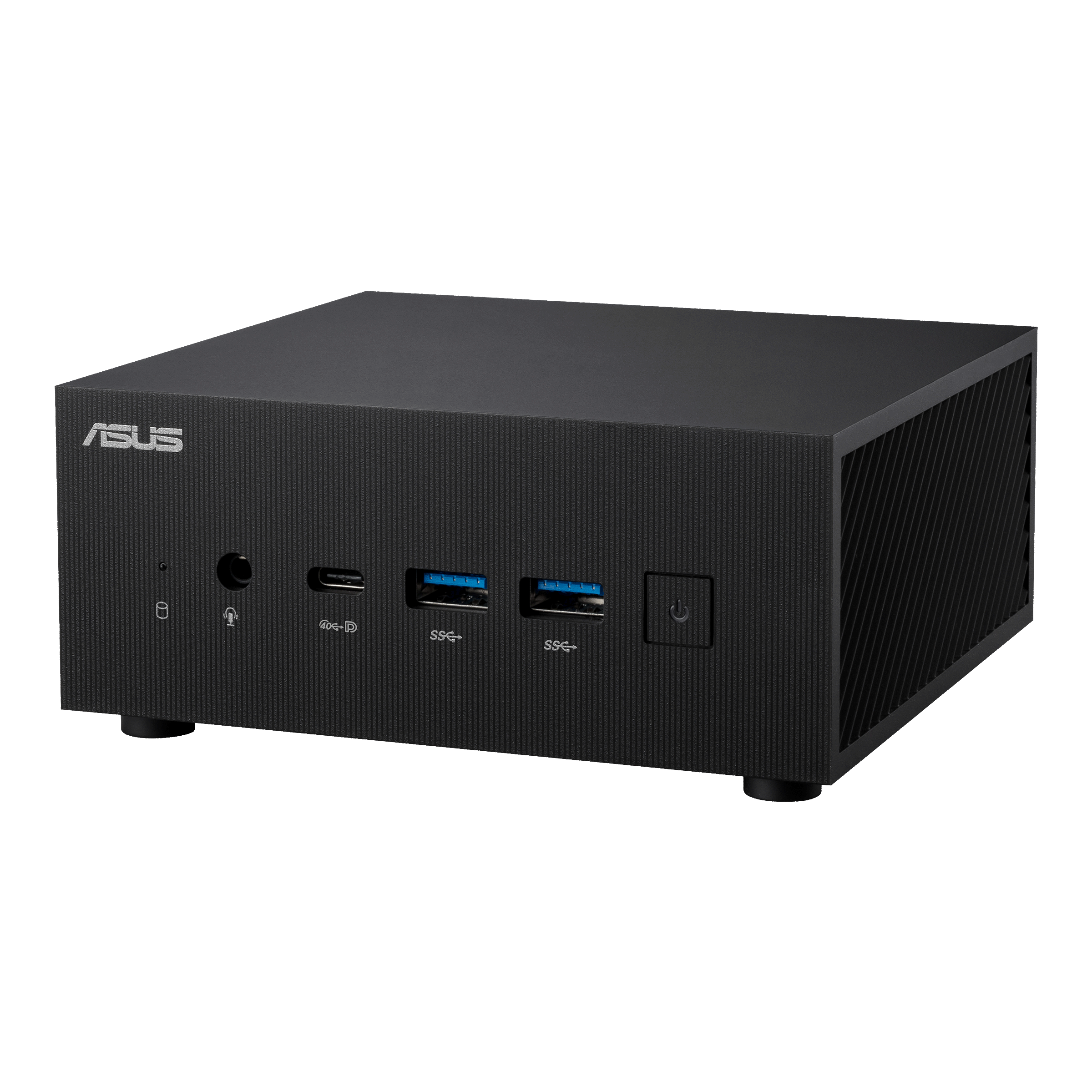
A business mini PC for the office earns its keep by being dependable rather than exciting, and the ASUS ExpertCenter PN53 is built for exactly that job. It runs the Ryzen 7 7735HS — eight cores, sixteen threads, 35W — with a Ryzen 5 7535HS option below it, paired with the Radeon 680M integrated GPU in a compact NUC-style chassis of roughly 0.6 liters that disappears under a monitor or behind a counter. For a reception desk, a retail back end, or an always-on service box, that formula is the point. What matters to a fleet buyer is configuration freedom. Two SO-DIMM slots take DDR5-4800/5200 up to 64GB, so you buy the memory tier your staff actually needs, and the storage layout is generous for the class: two M.2 2280 PCIe 4.0 x4 slots — up to 2TB each — plus an optional 2.5-inch SATA bay for a spare drive or a cloned system image. Wired networking comes as one or two 2.5GbE ports depending on the SKU, with Wi-Fi 6E for meeting rooms, and dual USB-C display outputs alongside HDMI and DisplayPort make a two-monitor desk trivial to wire. The honest limit for a business mini PC for the office like this one is local AI. There is no NPU here, and the 680M is a generation behind the Radeon 780M and 890M parts, so this compact corporate desktop can run a quantized 7B model for occasional chat work, and a 14B at a push, but it is not a machine for heavy inference. If AI acceleration is a requirement, the PN55 with its 55-TOPS NPU is the step up within the same family. For an enterprise mini PC rollout, the PN53's case is the boring one that holds up: business-class warranty and support channels, standard components, and availability through ASUS's commercial resellers and the ASUS store rather than a rotating cast of marketplace sellers. Pricing is configuration-dependent — typically in the $500-900 range, and the live listing is the source of truth. If you need an office desktop that handles documents, spreadsheets, video calls, and a side of light on-device AI without drama, the PN53 is a business mini PC for the office that will still be doing that job in five years. Check current availability through the ASUS store or a business reseller.
This GEEKOM desktop is aimed at creators who need a dependable workhorse for editing and design rather than a machine built only f
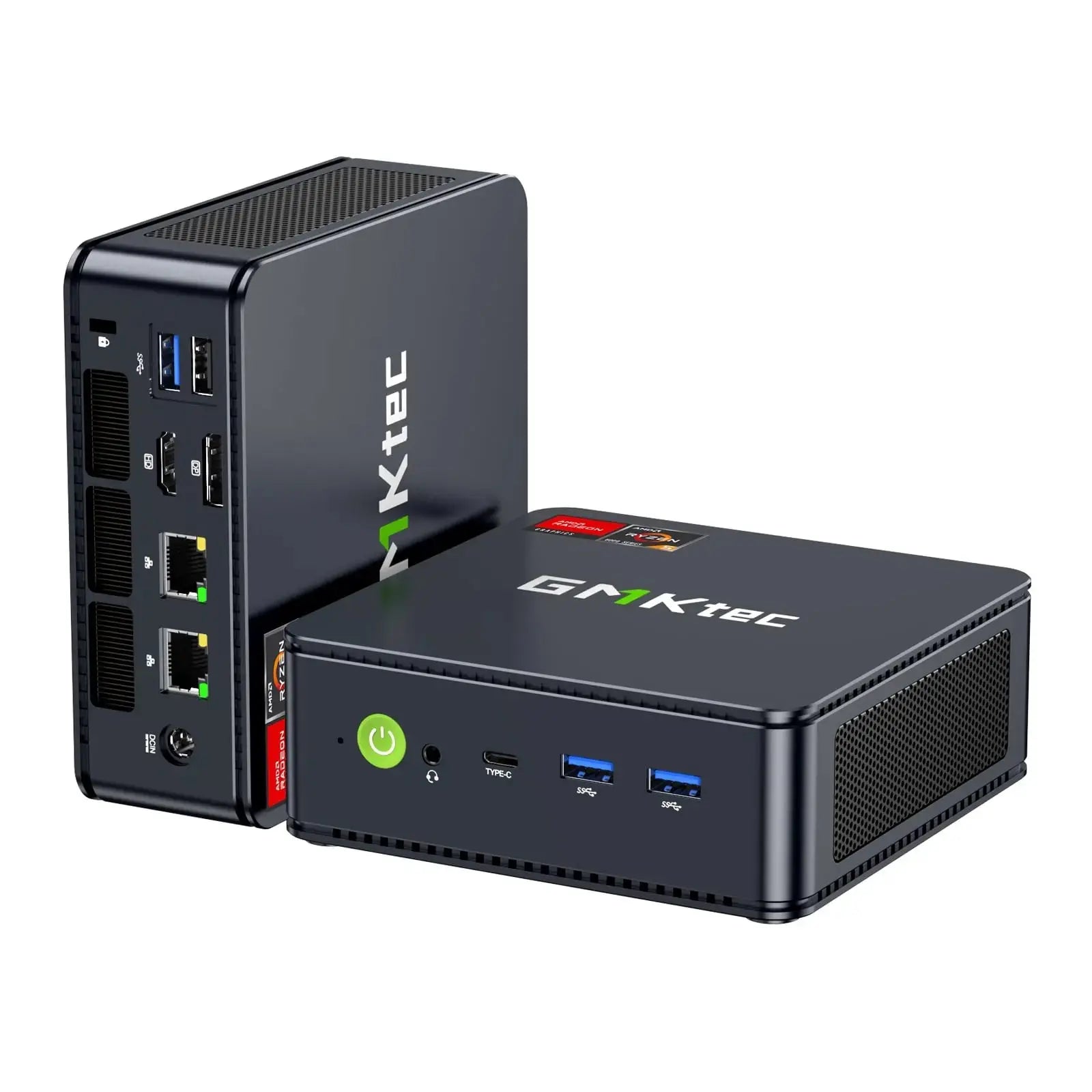
This GMKTec desktop is the lowest-cost way to test whether local AI earns a place in daily work, and it is honest about that ceili
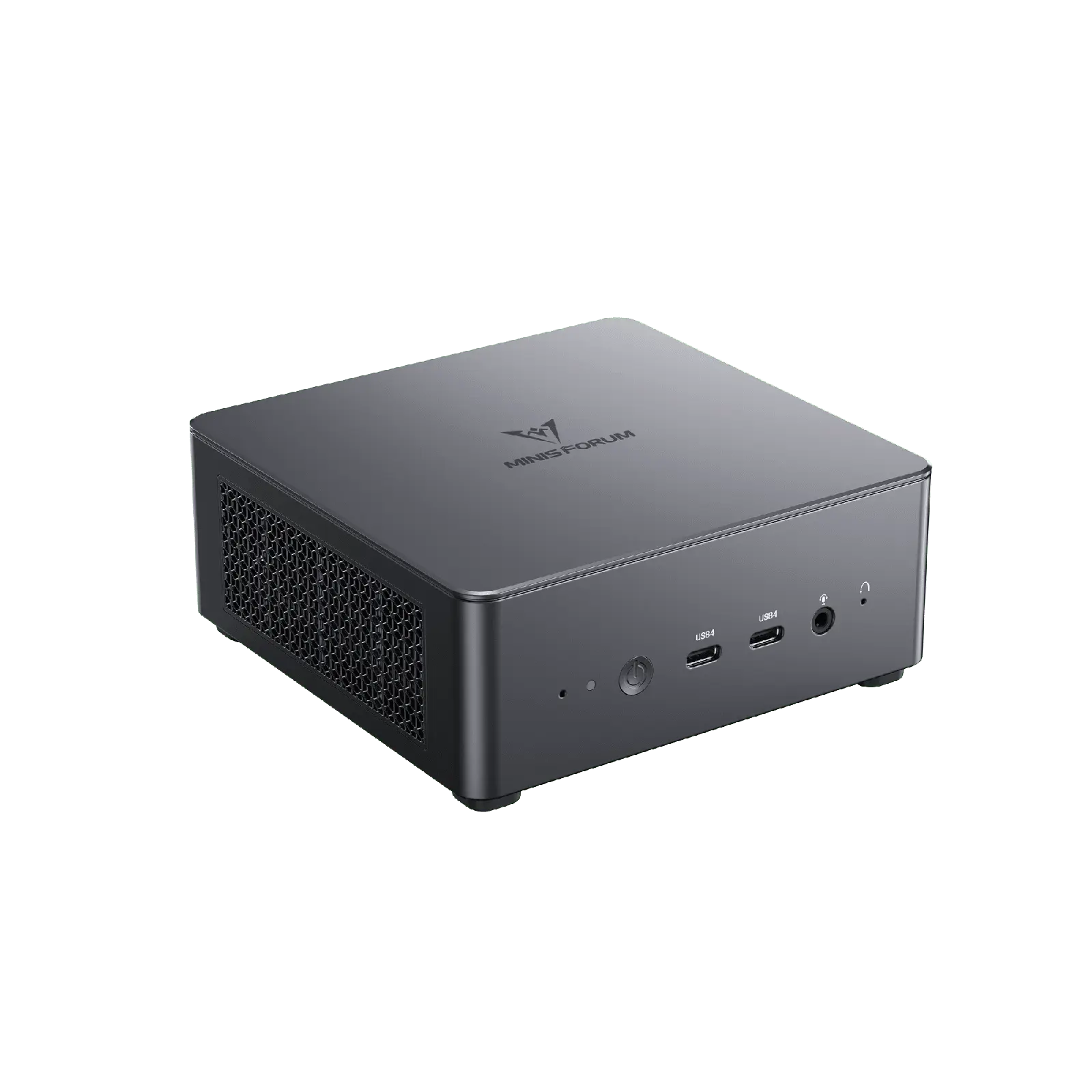
This MINISFORUM desktop is a compact professional workstation in the truest sense, small enough to sit behind a monitor and quiet