amd
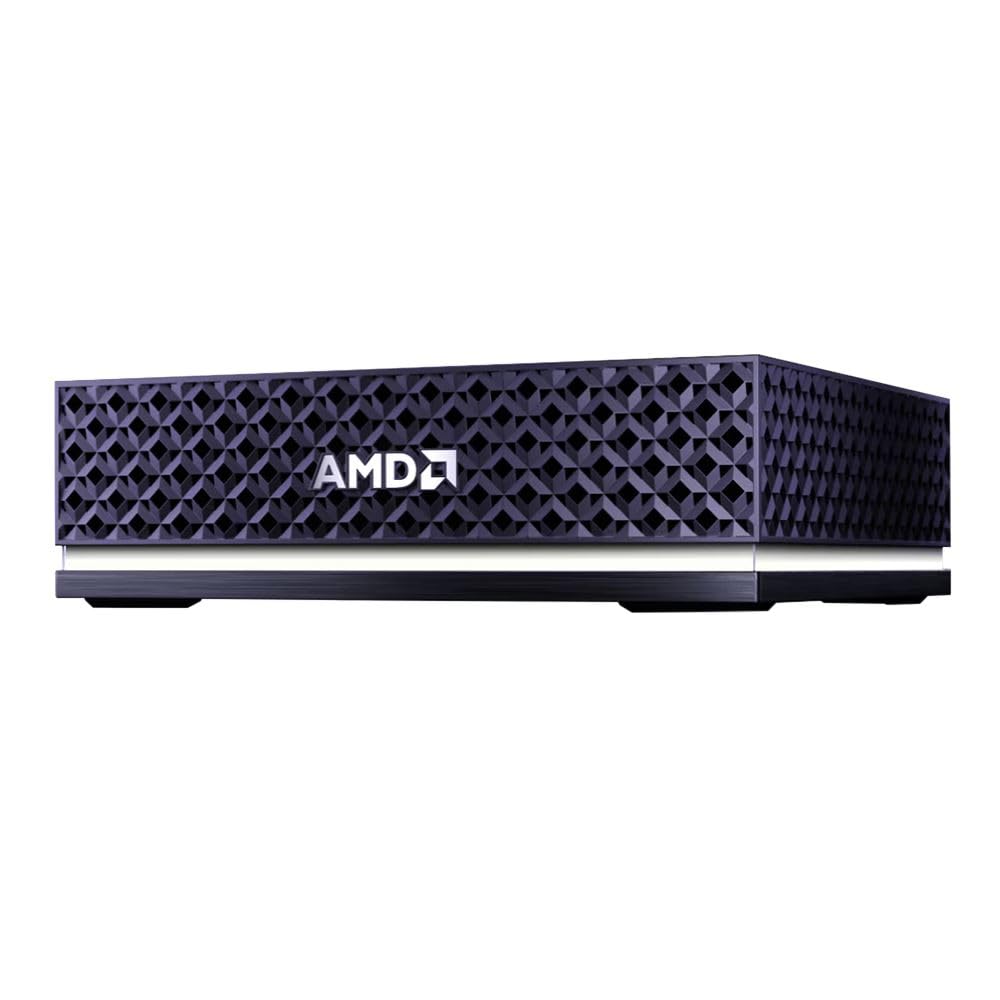
AMD Ryzen AI Halo (Ryzen AI Max+ 395, 128GB LPDDR5X / 2TB, Linux)
If you want to run large local models at home without building a tower with multiple graphics cards, this AMD machine is designed
128GB50 TOPSStrix Halo (Max+ 395)

Which numbers predict model speed and which are marketing
People picking a GPU for AI usually walk in with four numbers and a lot of noise, and they need a way to tell which of those numbers actually predict performance on a large language model and which do not. There is no single metric that does it, but there is a short list that does, and once you can read an AMD spec sheet through that lens the entire category becomes much more legible. This article is that guide: which specifications matter for local inference, which are marketing, and why the same RDNA 3 core that sits inside a two-hundred-dollar laptop can beat a five-hundred-dollar discrete card on the exact models you are trying to run.
The first and most important number is not compute, it is memory capacity, and specifically the memory that is available to the model's weights. A language model stores its parameters in memory and reads them, so the amount of memory is a hard ceiling on the size of any model you can load at all. For an integrated GPU the available memory is the system memory, which is why an APU configuration with thirty-two or sixty-four gigabytes is not a luxury, it is the thing that decides whether a 27B model fits at your chosen quantization. A discrete card's VRAM plays the same role, but it is usually a fixed, lower pool. The number to read first is therefore this: how many gigabytes of memory does this system give the model. If the answer is below what the weights plus a working context need, no amount of compute speed makes up for it. The model simply will not load.
The second number is memory bandwidth, and this is the one that separates a fast machine from a slow one once the model already fits. LLM inference at the class we care about is almost entirely a memory-bandwidth problem. On each step of generation the weights flow from memory to compute, and the speed of that flow sets the tokens-per-second you see. Two machines with the same chip can run dramatically different speeds, and the difference is usually the memory configuration: dual channel instead of single, faster clock, wider bus. Reading a spec sheet, you want to know the memory type and speed, and whether the board runs it in dual channel. A single-channel memory configuration is the silent killer of otherwise good hardware, and it is the most common reason a box that is nominally fine is in practice too slow to be pleasant.
The third number people obsess over, peak compute in teraflops, is the least informative of the three for inference. High teraflops are what let you do training, which is a compute-bound workload, and what let you win a game, which is a fill-rate and compute workload. Inference on a single stream of LLM generation is not compute-bound at the 27B class, so a chip with more teraflops than it needs will not generate tokens faster than the memory can feed them once the memory ceiling is crossed. This is why the integrated core's teraflops, which look modest next to a flagship discrete card, are not the reason it loses on this workload, and in fact are not the reason it wins or loses at all. If a spec sheet is leading with teraflops, you are looking at the wrong page for the workload you care about. Teroflops matters; it is just not the number to buy this machine on.
Put those three together and you have the lens through which to read any AMD APU listing for AI. Look first at the memory ceiling: does the system offer enough total memory, and can it be configured in dual channel? Look second at the memory bandwidth implied by the memory type and speed and channel count. Look third at the core family, which for current AMD APU systems is the RDNA 3 generation, the 780M class and its successors, which is the core that has demonstrated it can run a 27B model at a useful speed. Only after those three, and as a secondary consideration, do you look at the teraflops, the core count, and the clock. Read the sheet in this order and the marketing noise drops away. The core that matters for local AI is not the most powerful chip in the room, it is the one that pairs the right memory architecture with a core that can keep up with that memory, and AMD has shipped exactly that pairing in its current APU line.
The discrete-card comparison is where the lens pays off most visibly. Take a five-hundred-dollar discrete graphics card with sixteen or eighteen gigabytes of VRAM. On paper it is a 'real GPU.' But its VRAM is a fixed, low pool, which means the 27B model fits only at a quantization that leaves little room for context, and its power draw and the system cost around it are much higher. Now pair the same machine's money against an APU configuration with an RDNA 3 core and sixty-four gigabytes of memory: the 27B fits comfortably with room for a long context, the bandwidth is set by a dual-channel configuration you chose, the whole system draws far less power, and it is smaller and quieter. On the specific task of hosting a 27B model interactively, the APU configuration is not a compromise, it is the better instrument. The discrete card is better for training, for running much larger models where its VRAM pool is the point, and for multi-user concurrent serving. For the single-stream inference of a model in the class this market is built around, the integrated core and its shared memory is the efficient answer.
This is what 'reading the spec for AI' actually means in practice. It means you stop comparing peak numbers and start comparing the memory architecture, because that is the bottleneck. It means the 27B class is the test case that exposes most spec sheets for what they are. It means the integrated RDNA 3 core is the correct default, and that the number you should check first, before the brand, before the core count, before the price, is the available memory and its bandwidth. Do that, and the category becomes clear: a good machine for local AI is not the one with the highest spec on the wall, it is the one whose memory can hold your model and whose bus can feed it. That is the entire art of picking a GPU for this workload, and it is the reason a modestly priced APU system is so often the right machine where a much more expensive card is the wrong one.
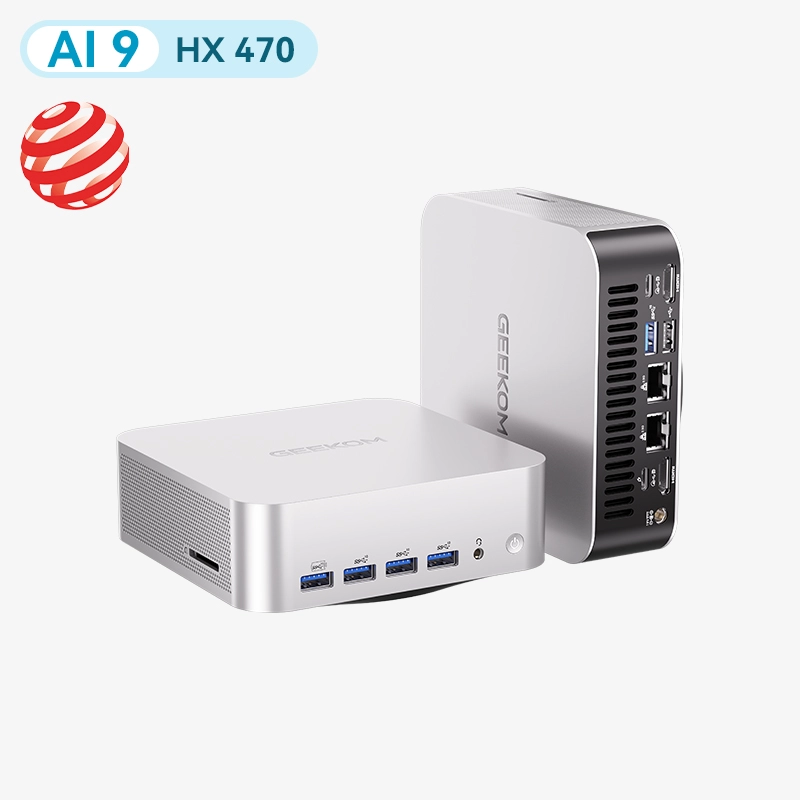
This GEEKOM desktop is the most capable machine in the A-series for people whose main work is local AI, agents, and always-on services. It pairs the Ryzen AI 9 HX 470 in twelve-core, twenty-four-thread Zen 5 form to 5.2GHz with the Radeon 890M and a 55-TOPS XDNA 2 neural processor for up to 86 platform TOPS, and the HX 370 variant steps the speed down slightly for lower-priced builds. Memory is where this tier earns its place, with two DDR5-5600 SO-DIMM slots taking a 32GB starting build to 128GB when socketed and upgradeable, so a quantized 14B model runs comfortably from day one and a 27B model fits with room for a long context after an upgrade. Storage uses one M.2 2280 plus one M.2 2230 slot for up to 8TB combined, keeping the system drive and a model library separate without external enclosures. IceBlast 3.0 cooling holds a sustained 54W profile for long inference or agent runs, and dual 2.5-gigabit Ethernet plus Wi-Fi 7 keep an always-on service reachable on wired or wireless links. Dual USB4 ports at 40 gigabits per second and dual HDMI 2.1 FRL outputs drive up to four 4K displays for a workstation setup, with an SD 4.0 reader, Bluetooth 5.4, and an included VESA mount for clean desks. Windows 11 Pro ships preinstalled, and the box also works as a Linux host for native AI tooling, retrieval over local files, batch OCR, transcription, vision checks, and scheduled agents. Within GEEKOM's lineup the A7 leans toward creators, the A8 toward general work, and this model toward AI, so buyers without an NPU need can save money, while buyers who want the newest silicon and highest memory ceiling have found the right tier.
If you want to run large local models at home without building a tower with multiple graphics cards, this AMD machine is designed
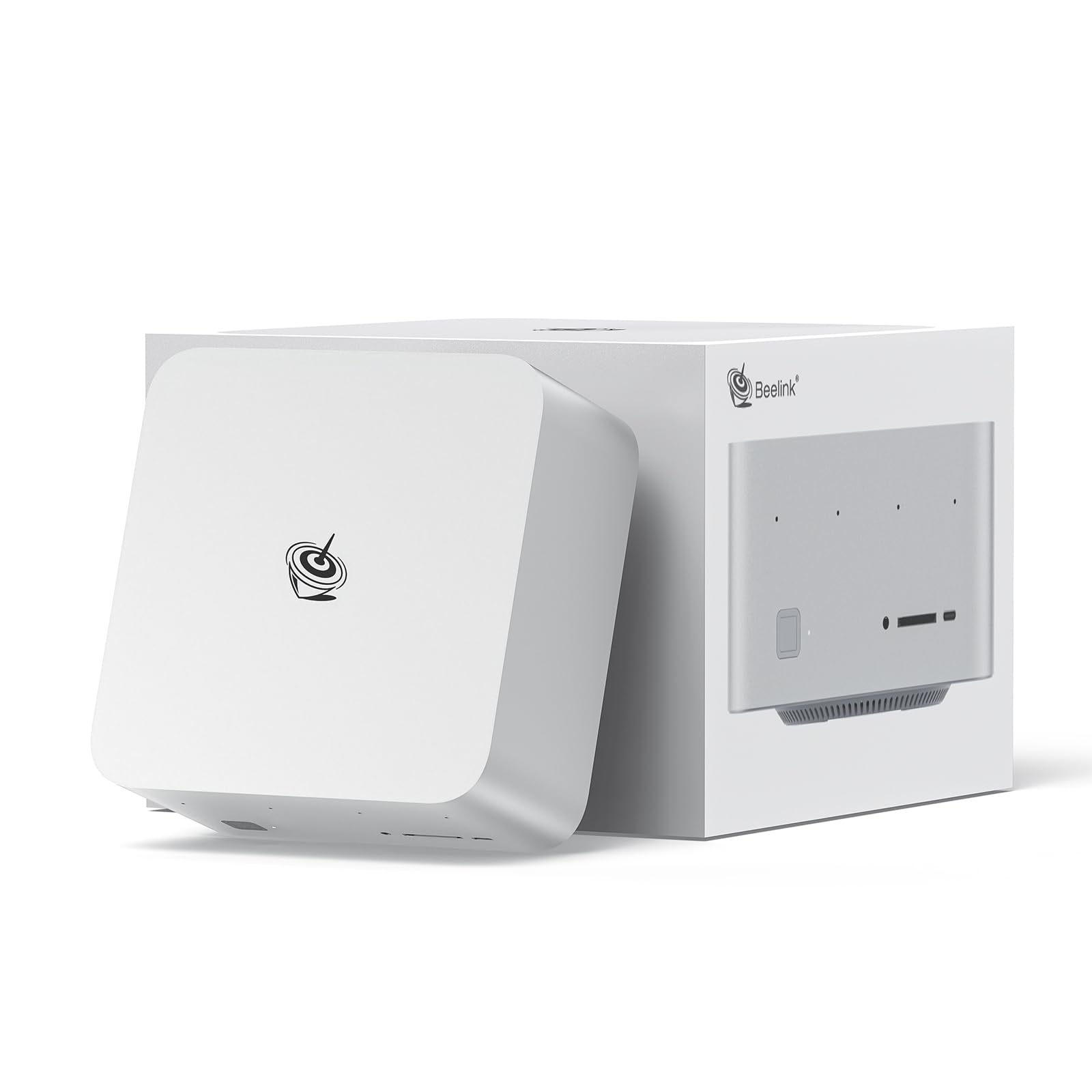
This Beelink desktop targets home labs and small teams that want 70B-class local inference in a compact chassis without assembling
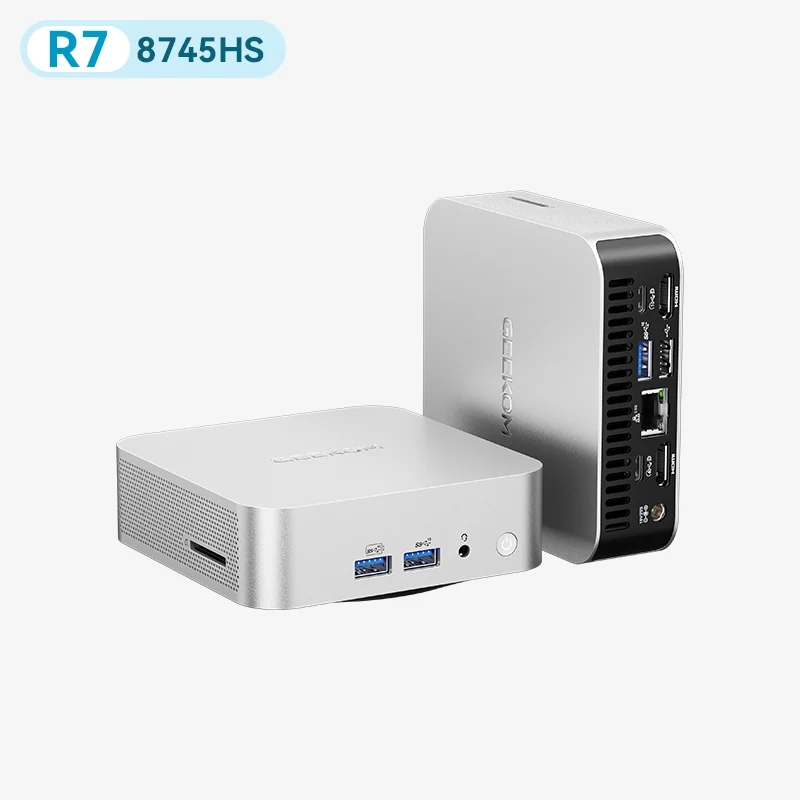
This GEEKOM mini PC is positioned as a general workstation for people whose day involves code builds, design files, 4K exports, an