beelink
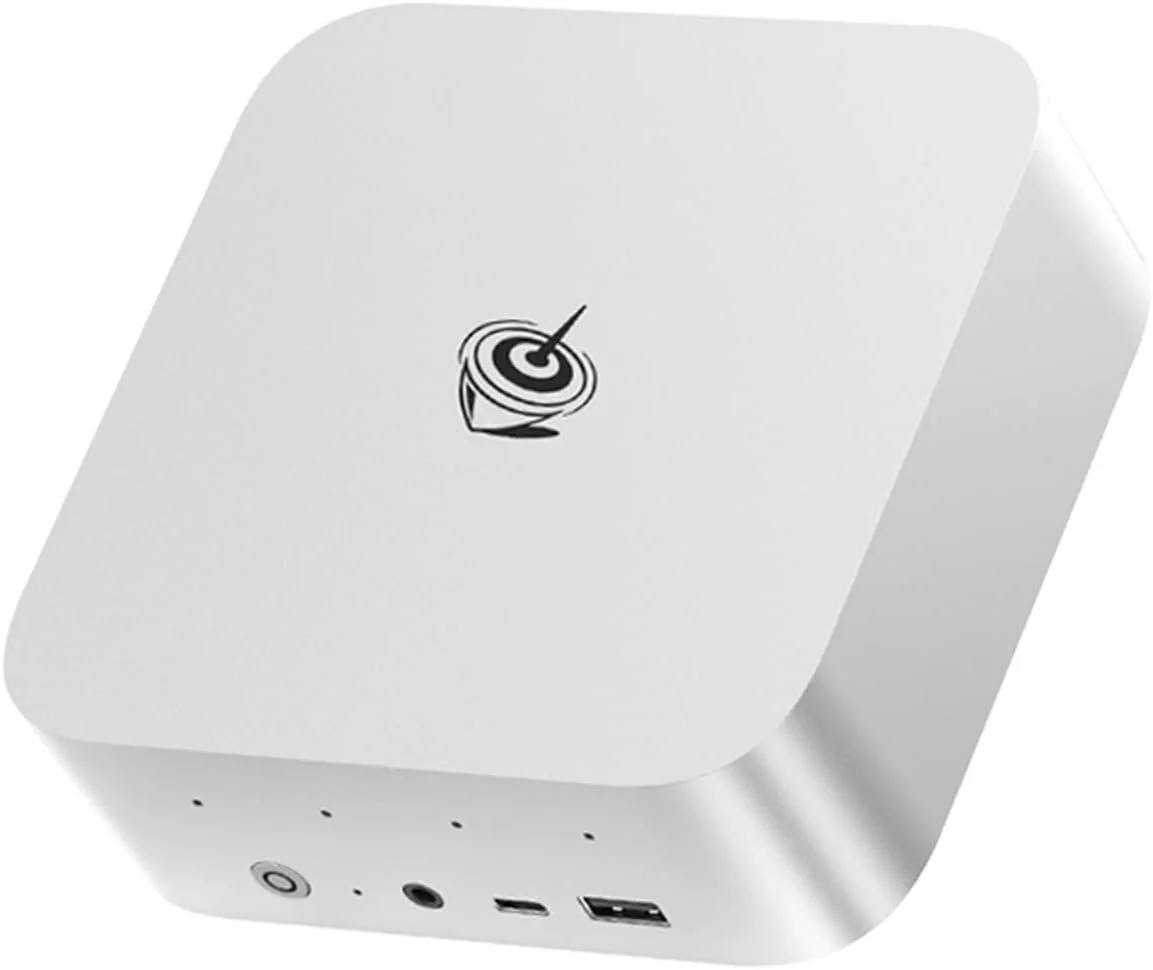
Beelink SER8
This Beelink mini PC is built to be unobtrusive in a living room, study, or small office where the machine should simply stay out
32GB8745 TOPSZen 4 value tier

Under $1,000 and under $2,000, what to buy
The practical question under 'buy me AI hardware that is affordable' is not which chip is best, it is what I can actually buy today under my budget that runs a 27B-class model without compromise. That is a different question from the theoretical one, because 'affordable' has to be a real price tag on a real SKU from a real vendor, and it has to run the model at a speed and context that you would actually sit with. This article does that work in two budgets, under a thousand dollars and under two thousand, using the AMD APU systems from the four brands that build in this space, and it lands on what to look for, the traps to avoid, and the specific configurations that earn the title of affordable-but-serious.
The sub-a-thousand budget is the one that is most misunderstood, because most people assume it cannot host a 27B model, and it often can, if you build the memory right. The trap of the sub-a-thousand box is that the lowest tier of each brand is a machine with sixteen gigabytes of memory and a mid-range core, and at sixteen gigabytes the 27B model at a Q4 quantization is right at the edge, often not enough once the harness and the context are on the same machine. The move that makes the budget work is to spend the budget on memory rather than on the absolute top of the core. A configuration with an RDNA 3 core in the 780M class and thirty-two gigabytes of memory, which is a real SKU in this price band across the four brands, is the affordable-but-serious machine: it loads the 27B at a usable quantization, it leaves room for the agent harness and a working context, and the whole system lands under the thousand-dollar line when it is configured with the memory upgrade rather than with a faster CPU you do not need. That is the sub-a-thousand pick, and the lesson of it is that the budget buys you memory headroom, not a faster chip.
The under-two-thousand budget is where the same logic reaches its natural conclusion and the result stops needing a caveat. Here you can buy the flagship integrated core from the current generation, the 890M class, which is a real and meaningful step up in both the memory bandwidth and the compute of the 780M class, and you can pair it with sixty-four gigabytes of memory, and you can do it from any of the four brands at around the eighteen-hundred to two-thousand-dollar mark. This is the machine that runs the 27B model as a first-class daily driver with a long context, that can hold two agents or a small vector store on top, that will not need a memory upgrade for a long time, and that will age well because the headroom is there. It is also the machine that, for many buyers, is the right default even if the sub-a-thousand box would technically work, because the headroom is what you stop thinking about once you have it, and the cost of thinking about it later is a second purchase.
What the two budgets share is the same architectural reason the AMD APU is the answer at both of them, and it is worth stating because it is the core claim of this whole market. At each tier, the memory that runs the model is the same system memory that runs everything else, and its size is what you can configure rather than a fixed VRAM number. That means at each budget you are buying a number of gigabytes of fast, shared memory, and the chip is the thing that spends that memory well. A discrete-card build at the same money would give you a fixed small VRAM pool and a much more expensive and power-hungry system around it. An APU build at the same money gives you a memory ceiling you chose, a core that runs the inference the moment the model fits, and a machine that draws tens of watts at idle and lives quietly on a desk. That is the shape of affordable AI hardware in this market, and it is identical at both budgets, it is just a larger amount of the same good thing.
The traps, briefly, because they are where the money actually goes. The first trap is buying the fastest core at the minimum memory, which is the spec sheet that looks most impressive and the machine that will not hold your model with the context you want. The second is single-channel memory, which cuts your bandwidth in half and makes a nominally fine box feel slow, and it is a configuration you can and should check before you buy rather than discover after. The third is paying for a form factor you do not need, a full tower, when the mini-PC that does the same inference for the same money takes up a shoebox of desk and draws less power. The fourth is buying the machine without deciding on the inference stack, which is a separate conversation but one that should be settled before the buy, because the model, the quantization, and the harness all depend on the memory you are about to choose. Avoid those four and the budget is entirely sufficient.
So the affordable answer comes down to a single decision, which is how much memory you will commit, because that is the number that sets every other part of the machine. Under a thousand, commit to thirty-two and buy the mid core, and you get a real 27B box at a student price. Under two thousand, commit to sixty-four and buy the top core, and you get a machine you will not upgrade for a long time at a price that is still the price of a single work laptop. In both cases the chip is an RDNA 3 integrated core from the current generation, the memory is the thing you chose, the harness and the model run alongside without being squeezed, and the whole thing is a box you leave on. That is what affordable means in this market. It is not the absence of capability. It is the absence of the discrete card, on purpose, because the memory the model needs is cheaper when it is the memory you already have, and the core that spends it is on the die where it touches it.
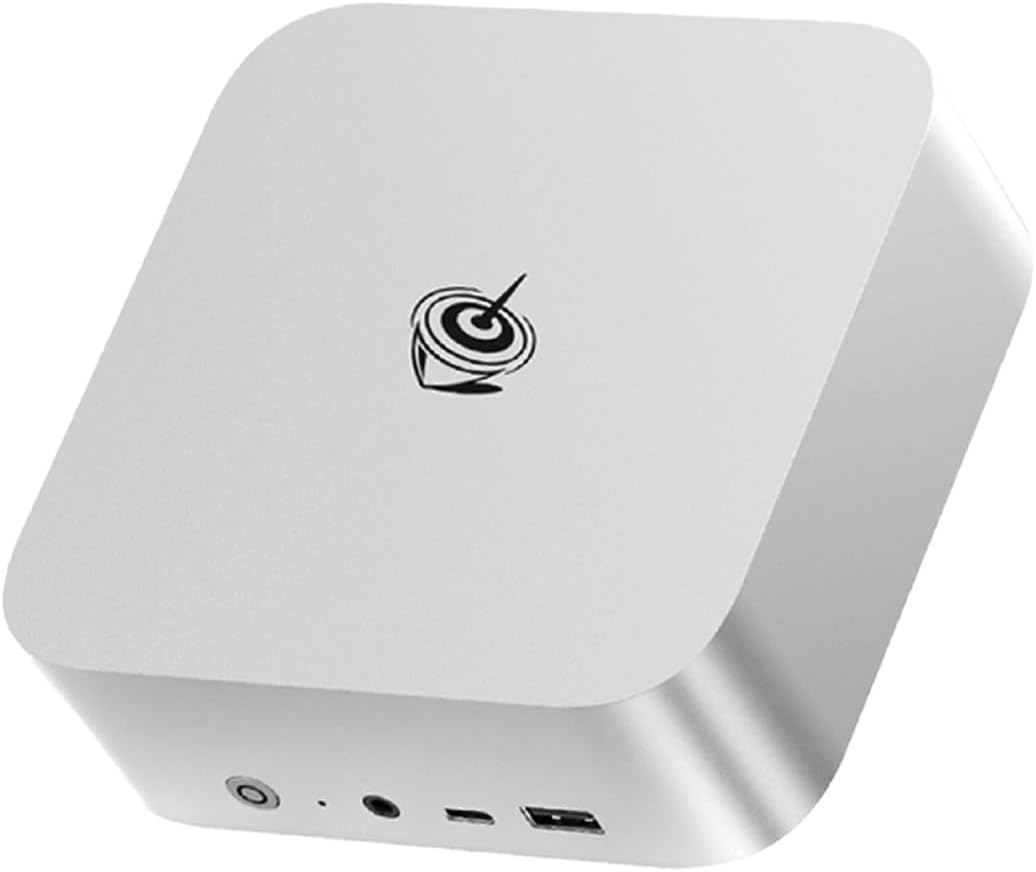
This Beelink mini PC is positioned as an entry point that can grow, for people starting local AI without buying the largest configuration on day one. It uses the Ryzen AI 9 HX 470, a twelve-core, twenty-four-thread Gorgon Point processor on a 4nm process boosting to 5.2GHz, with the Radeon 890M graphics engine of 16 RDNA 3.5 compute units clocked to 3.1GHz and a 55-TOPS XDNA 2 neural chip that lifts platform output to 86 TOPS. Thirty-two gigabytes of DDR5 on two socketed SO-DIMM slots covers quantized models from 13B through 27B for coding help, document summaries, research assistants, and batch transcription or OCR, while a cited expansion path toward 128GB means the machine can be upgraded instead of replaced as model sizes rise. Storage starts with a 1TB PCIe 4.0 x4 NVMe drive with a second M.2 slot taking the total to 8TB for weights, datasets, and media. A genuine 10-gigabit Ethernet port lets the box double as a home-lab hub, with Wi-Fi 6 and Bluetooth 5.2 for wireless devices, USB4 at 40 gigabits per second with power delivery, a 10-gigabit Type-C port, two USB 3.2 ports at 10 gigabits, two USB 2.0 ports, dual 3.5mm audio, and HDMI plus DisplayPort plus USB4 arranged for triple 4K display at up to 240Hz. That split keeps duties clean: the neural chip covers always-on sensing and system features, the graphics engine covers tokens, and the CPU covers the desktop around the model. Windows 11 Pro comes pre-installed, the warranty runs three years, and lifetime technical support is included. In Beelink's lineup it sits as the approachable HX 470 option, with the 64GB sibling for buyers who want 27B-class headroom from the first boot.
This Beelink mini PC is built to be unobtrusive in a living room, study, or small office where the machine should simply stay out
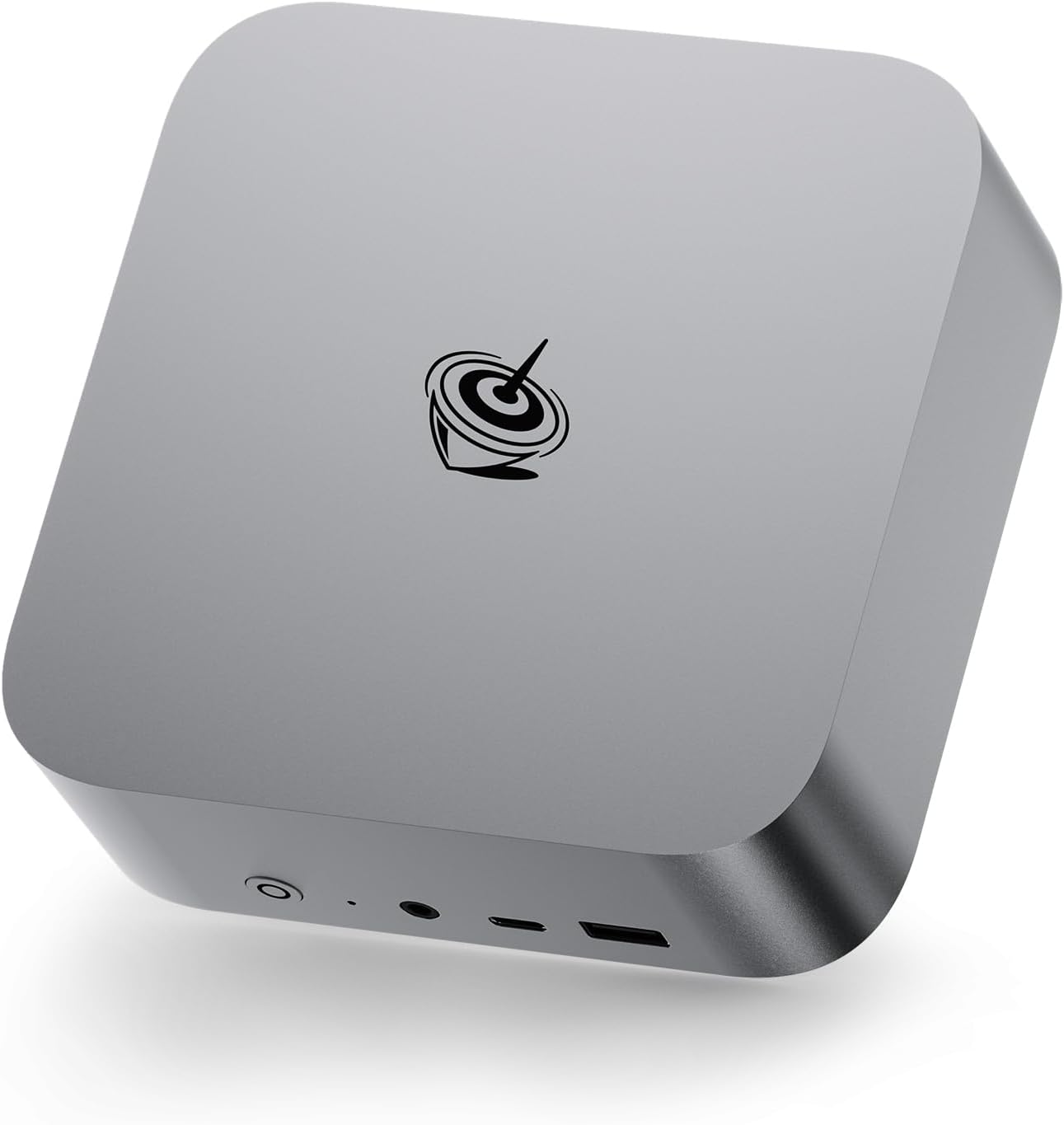
This Beelink mini PC fills the gap for buyers who want real on-device AI features without moving into the higher-priced tiers. It
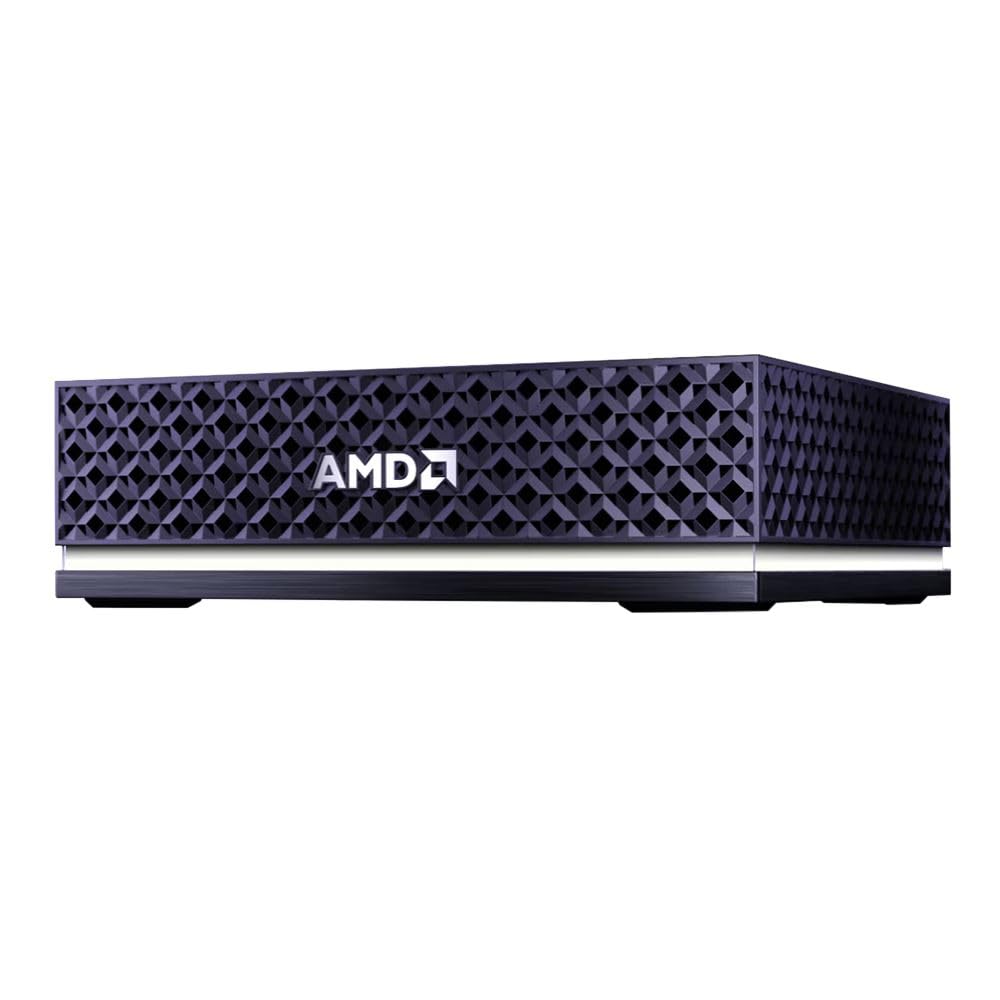
If you want to run large local models at home without building a tower with multiple graphics cards, this AMD machine is designed