amd
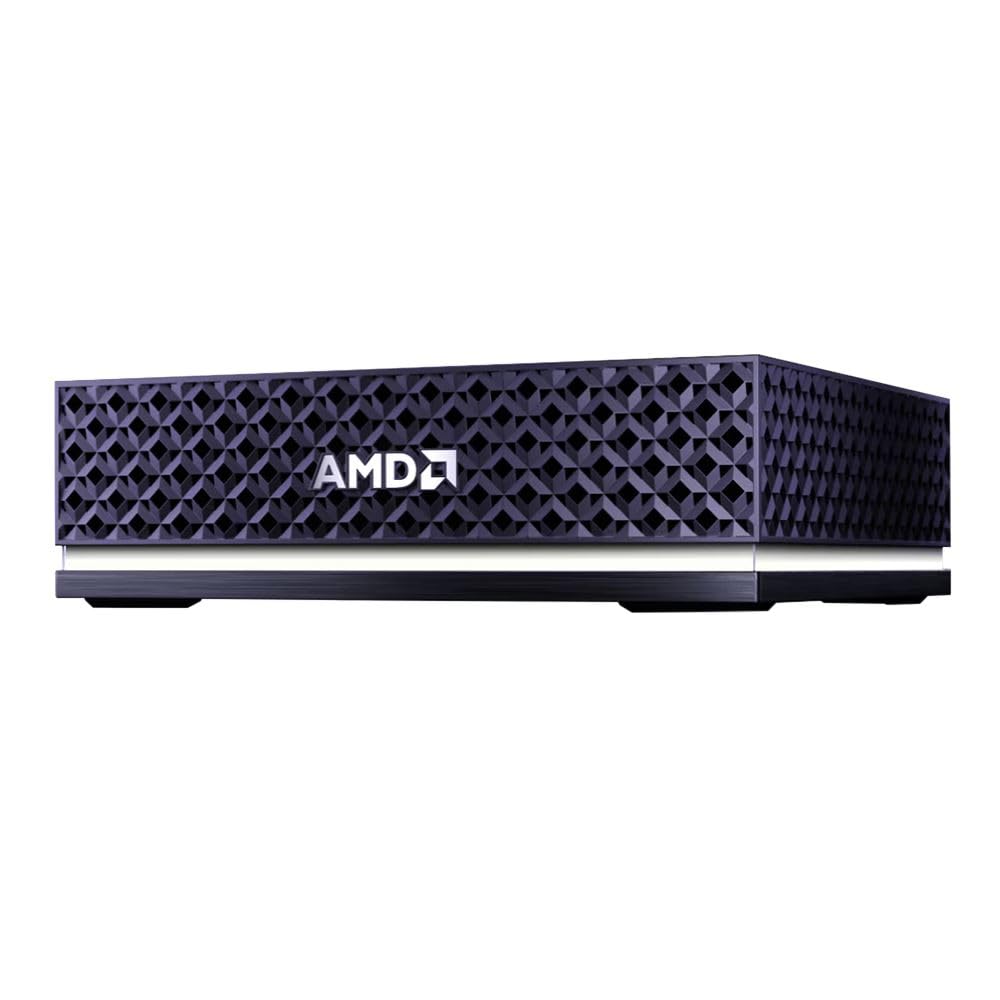
AMD Ryzen AI Halo (Ryzen AI Max+ 395, 128GB LPDDR5X / 2TB, Linux)
If you want to run large local models at home without building a tower with multiple graphics cards, this AMD machine is designed
128GB50 TOPSStrix Halo (Max+ 395)

The hidden economics of owning instead of renting intelligence
The question almost nobody answers when talking about local AI is not whether it is possible, but whether owning an AI server actually costs less than renting it. People hear that a machine the price of a good laptop can run the same twenty-seven-billion-parameter model that a hosted service provides, and they assume the math is obvious. It is not. The truth depends entirely on how much intelligence you will actually consume, and the difference between a casual user and a power user can flip the entire economic picture. This article runs the numbers on what a local AI server costs across its full life: the hardware you buy once, the electricity it draws every day, and the break-even point against a subscription or a cloud GPU.
Start with the one-time hardware cost, because it is the number that intimidates people and the number that quietly pays for itself. A competent machine for running a twenty-seven-billion model at a practical quantization point such as Q4 needs roughly sixteen to twenty gigabytes of fast memory to hold the weights with room for context. In the AMD world, that is a Ryzen APU mini-PC with an RDNA 3 integrated Radeon GPU in the 780M or 805M class, paired with thirty-two to sixty-four gigabytes of unified memory. Depending on the brand and configuration, that hardware lands between about nine hundred and sixteen hundred dollars. Crucially, unlike the cloud, that is a fixed, one-time figure. It does not quietly keep adding a line item to your bill every single month for the life of the machine.
Now the running cost, which is the part most people get wrong because they assume an AI server sips power. In reality, an APU mini-PC under active load draws roughly sixty to one hundred watts, settling far lower during idle and light tasks. If that box is left on around the clock, which is exactly how people use it as an always-on AI server, a realistic average sits near fifty to seventy watts. That works out to about three-quarters of a kilowatt-hour per day. At a typical residential rate of fifteen cents per kilowatt-hour, you are looking at well under a quarter of a dollar per day, or roughly five to eight dollars a month. Even a machine that never sleeps costs under one hundred dollars a year to power. Compare that to a cloud GPU, which bills by the hour and can run to many dollars per hour for memory of a comparable class, and the energy economics of owning are almost absurdly favorable for anything that stays busy.
Bring the two together and you get the break-even story. If the alternative you are comparing against is a flat monthly AI subscription of twenty to thirty dollars, the hardware pays for itself over a period of roughly one to two years, and only if you actually use it often enough that the subscription would have been your choice anyway from day one. If instead your alternative is renting a comparable cloud accelerator on demand, the machine recoups its entire cost within a handful of hours of equivalent usage. The reason the two scenarios diverge so sharply is that a subscription has a floor and a ceiling, while cloud compute is purely metered. Owning turns a variable, unlimited-quantity cost into a fixed, amortized one. The more you use the machine, the cheaper each unit of intelligence becomes, approaching essentially zero at the margin. The less you use it, the longer it takes to justify the upfront outlay, and a subscription wins.
The honest variable, then, is your usage pattern, and this is where the same hardware is either a bargain or a poor investment. A person who chats with a model for an hour or two a day and cares mostly about convenience is almost always better off paying a subscription, because the machine will rarely be busy enough to matter. A developer who runs an autonomous agent around the clock, a small business that wants sensitive documents to never leave the building, or a team that hammers a model into production workloads is the opposite, and for them the fixed-cost model is dramatically cheaper over time. The machine does not judge your usage, but your usage absolutely judges the machine.
There are also non-numeric costs and benefits that no spreadsheet captures, and a fair analysis has to weigh them. Owning a local AI server buys you three things a cloud never can: instant, local latency that does not depend on the network; the ability to run fully offline through an outage or anywhere there is no connection; and complete data locality, so that whatever you process on the box never crosses a wire to a third party. What you give up in exchange is the vendor-side comfort layer. You own the updates, the driver compatibility, the occasional model that is fussy to load, and the responsibility of keeping the machine healthy on a day when you would rather not think about it. You also lock capital into a physical asset that depreciates, though a general-purpose computer is far more salvageable than a specialized rig.
The bottom line is that a local AI server is not universally cheaper, it is structurally different. It converts a subscription into an asset. For anyone whose usage is heavy, continuous, or privacy-sensitive, the total cost of ownership over two to three years is almost certainly lower than renting, and the privacy and availability bonuses are not even in the price. For light, spotty, convenience-driven use, the opposite is true. Do the arithmetic against your own pattern before you buy, but know that the electricity and break-even math strongly favor ownership the moment the machine stays busy. That is the entire cost story in one sentence: rent by the use and pay forever, or buy once and pay pennies a month, and the right answer is a function only of how hard you intend to use it.
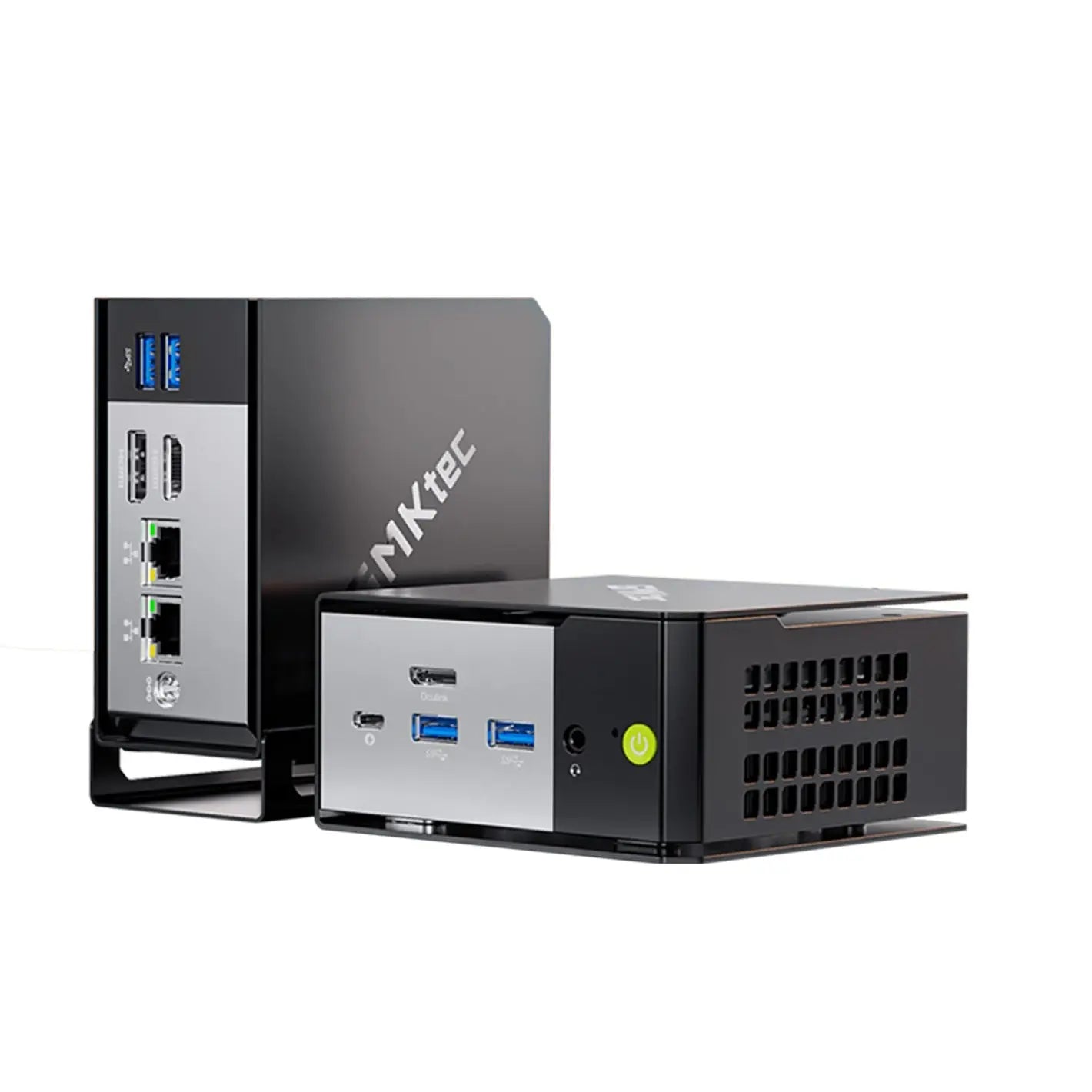
This GMKTec mini PC is the value end of the Ryzen AI range, for buyers who want the 890M graphics engine and a neural processor without paying for the Pro tier above it. The Ryzen AI 9 HX 370 inside is a twelve-core Zen 5 part boosting to 5.1GHz, a generation step below the HX 470, with the same Radeon 890M of 16 RDNA 3.5 compute units and a 50-TOPS XDNA 2 neural chip for 80 platform TOPS. In everyday chat and coding the difference from the pricier chip feels small, since the graphics engine does most of the token work and the neural chip steps down by only a few TOPS. That makes quantized 7B through 27B models practical, with 27B comfortable for chat when memory is configured well, plus document search, batch OCR, transcription, and image tasks at modest scale. Memory configuration varies by listing between LPDDR5 shared memory and DDR5, so verify the installed size and type on the exact unit, and choose a 64GB build when local AI is a serious part of the plan, because capacity is the main lever on model size and context. Storage uses two M.2 2280 PCIe 4.0 x4 slots for system and library drives, and a compact chassis suits a shelf, media cabinet, or desk edge. USB4 at 40 gigabits per second, an OCuLink PCIe 4.0 x4 port for a future external graphics dock, 2.5-gigabit Ethernet, Wi-Fi 6E, and Bluetooth 5.3 support always-on file serving, media, routing, and light inference together. Keep model files on the larger drive so downloads never crowd the working system volume. Buyers who want a fixed finished memory pool should step up to the EVO-X1 Pro, while budget-minded buyers get the smarter spend here.
If you want to run large local models at home without building a tower with multiple graphics cards, this AMD machine is designed
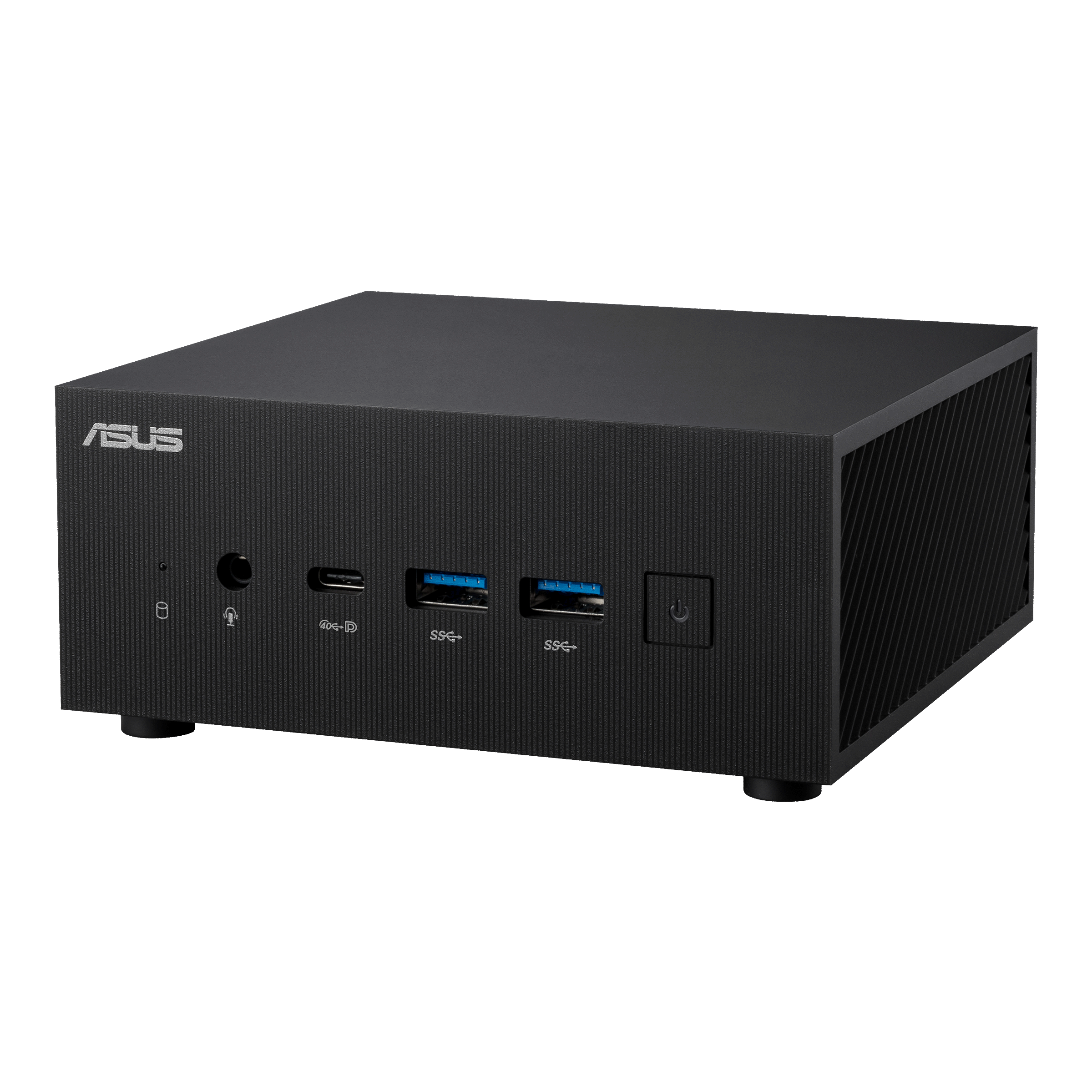
This ASUS mini PC is aimed at reliable daily work where a quiet box behind a monitor or on a counter keeps running without complai
This configuration currently lists through the ASUS ExpertCenter PN54-S1 (same ExpertCenter family). The page title and specs describe the PN53/PN55; compare configurations on the listing.
Full review →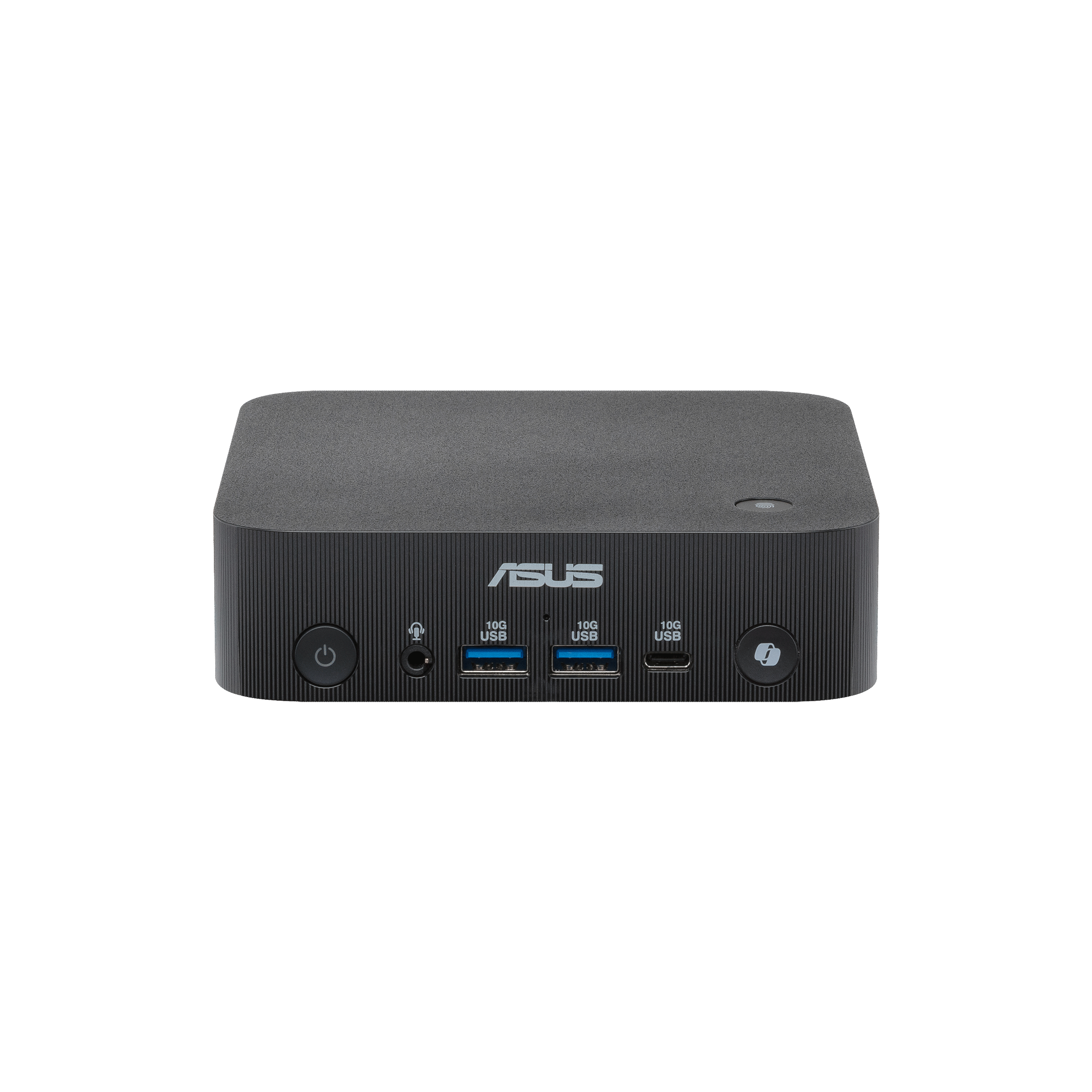
This compact ASUS desktop brings NPU acceleration to an office machine that is meant to be deployed and serviced rather than tuned
This configuration currently lists through the ASUS ExpertCenter PN54-S1 (same ExpertCenter family). The page title and specs describe the PN53/PN55; compare configurations on the listing.
Full review →