beelink
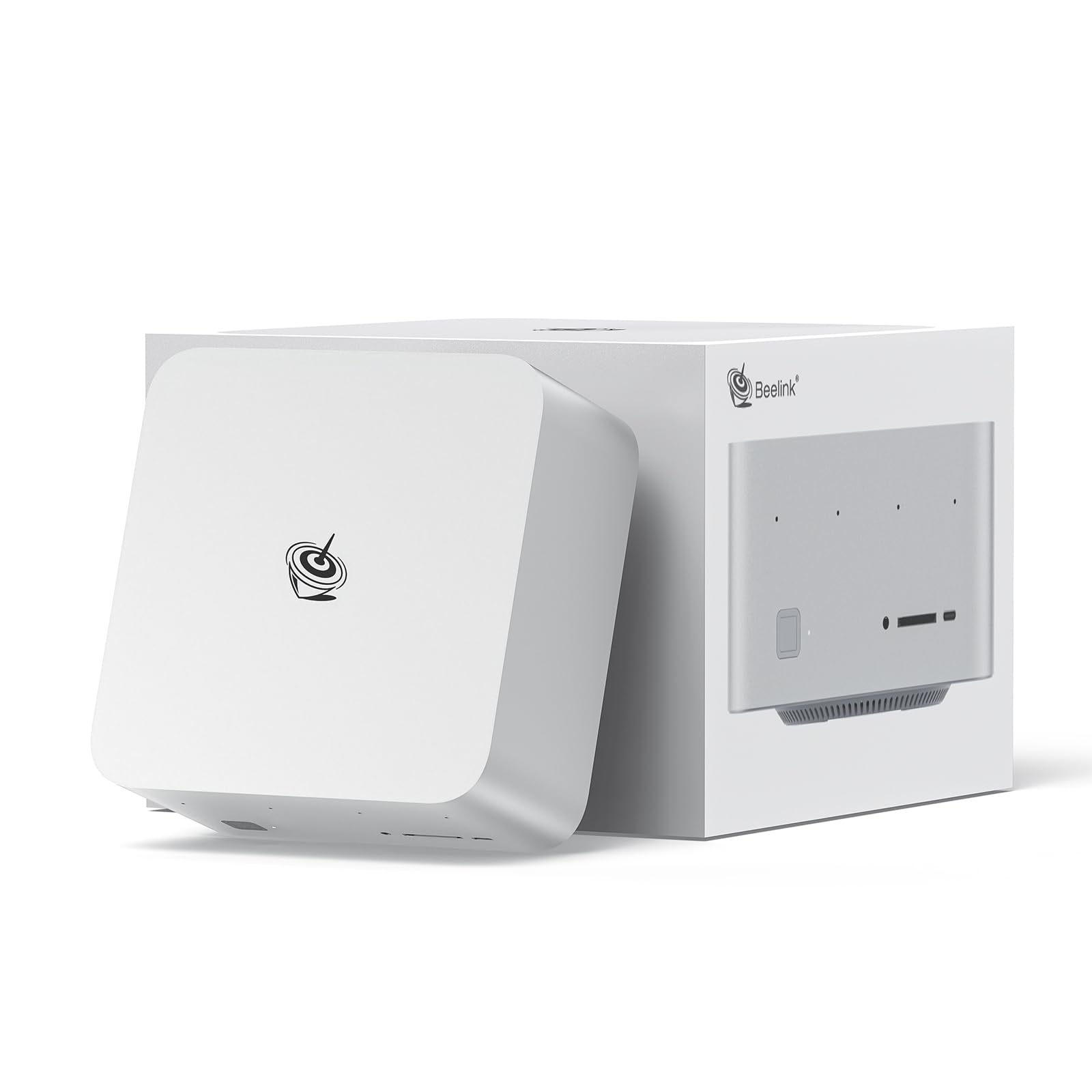
Beelink GTR9 Pro 395 (Ryzen AI Max+ 395, 128GB LPDDR5X / 2TB)
This Beelink desktop targets home labs and small teams that want 70B-class local inference in a compact chassis without assembling
128GB50 TOPSStrix Halo (Max+ 395)

ROCm, Vulkan, and the one step off the default
Hardware is only half of the local AI question. The other half is the software, and the other half is the one that decides whether a machine becomes something you actually use or something you quietly give up on. The reason it matters so much on AMD is that the AMD path to local inference is real and working, but it is not the default, and the default path of least resistance runs on a different accelerator. Anyone choosing the APU for local AI should understand that trade honestly, so the choice is a decision and not an accident that surfaces the day you try to run a model and the numbers do not show up where you expected them.
Start with the backends, because that is where the real friction lives, and it is the word you will actually meet. The AMD integrated GPU is reached by software through one of a few backends, and the two that matter for a home or desktop APU are ROCm and Vulkan. ROCm is AMD's native software stack. It is the stack that the vendor builds and maintains for its own silicon, it is the one that exposes the GPU as a first-class compute target, and on the APU it is a genuinely supported path, not an experiment. Vulkan is the other route. It is a graphics standard rather than a GPU vendor stack, and it is the one that is broadly portable across operating systems, which makes it the practical answer on Windows and a reliable fallback anywhere. Neither of these is the path the most widely known frameworks default to, which is the single most important thing to understand before you buy anything.
That last point is the one that separates a working machine from a confused one, and it is worth stating plainly. The default assumption in much of the AI world, and in many of the tools, is CUDA, which is the stack for the competing family of graphics chips. An APU is not a CUDA target. It will not do the least work by pretending otherwise, and the frameworks are the ones that have to route around it, which is exactly what the ROCm and Vulkan backends do for AMD hardware. The consequence is that the AMD path is one real step off the center of gravity. It works, it is maintained, and it is the path the local and home and affordable communities have standardized on, but it is a path you are on intentionally, and the person who walks onto it casually, expecting the default behavior, will be surprised by a moment where the expected default does not happen. Understanding that one step is the whole practical skill of the AMD stack.
The platforms resolve most of the rest of the friction. On Linux, the AMD path is the most comfortable it is in, because ROCm is a first-class citizen there, and the combination of a native stack and an open operating system means the model runs with the least friction and the most of the performance the hardware can give. On Windows, the practical answer is the Vulkan backend, which is the path that runs there cleanly and gives the person a model and a tool and a result without the Linux requirement. Both are real. Both are good. Linux is the more complete expression of the stack, and Windows is the more convenient one, and the honest guidance is that a person who is comfortable on Linux should be there, and a person who lives on Windows should not be talked out of it, because the Vulkan route is the one that makes the Windows machine a genuine local AI machine and not a compromise. The platform is a decision to make before the machine, because the platform decides the backend, and the backend decides how smooth the whole experience is.
The concrete, everyday path for a person in this market is not exotic, and it is not a build from source. It is the path the tools hand over, and the most common one is an Ollama-style setup with the right backend selected for the GPU, which loads a model and serves it locally and gives the harness, an agent, or a desktop app something to talk to. The person pulls a model, the framework points it at the AMD GPU through the correct backend, and the GPU then does the work, reading the weights from the shared memory and spending them at a rate set by that memory. When the backend is right, the machine runs the model at the speed the hardware allows, and the speed is whatever the memory and the core give, which is the speed the earlier articles in this set are about. The software's job, in the end, is simply to let the memory and the core do what they are for, and the AMD stack, once the ROCm or Vulkan route is chosen, does that job.
So the AMD software story is short, and it is honest, and it is the half of the question a buyer should weigh as carefully as the hardware. The stack is real, maintained, and standard in the local AI community. It is one real step off the most common default, and the whole practical skill is knowing that step and choosing the route that matches the machine, which is ROCm on the APU, usually on Linux, with Vulkan as the portable and the Windows answer. Get the backend right and the machine runs the model at the speed its memory allows, and the software disappears, which is the job of good software. Get it wrong and no amount of hardware speed makes up for the model not being reached at all. That is the whole software half, and it is the reason the AMD choice for local AI is a good choice made once, and then a set-up decision made correctly once, and then simply a machine that works.
If you want to run large local models at home without building a tower with multiple graphics cards, this AMD machine is designed around that single goal. At its center is the Ryzen AI Max+ 395, a 16-core, 32-thread Zen 5 processor that boosts to 5.1GHz with 64MB of L3 cache, paired with the Radeon 8060S graphics engine carrying 40 RDNA 3.5 compute units and a 50-TOPS XDNA 2 neural processor for roughly 126 combined TOPS across CPU, GPU, and NPU. The headline is memory, with 128GB of LPDDR5X-8000 unified memory running at 256GB per second, where a large portion can be set aside as graphics memory so weights, context, and working data share one fast pool. That arrangement holds 70B-class models in place and reaches toward larger models in the 200B-parameter range in device memory, while the NPU handles background features that would otherwise compete with generation. Storage is a 2TB self-encrypting NVMe drive for the system plus a model library, and the footprint is compact at 150 by 150 by 45.4mm and under 1.2kg. Connections cover one 10-gigabit Ethernet port, Wi-Fi 7, Bluetooth 5.4, three USB-C ports plus a dedicated USB-C power input on a single 120W cable, and HDMI 2.1b for a display. It ships on AMD's Linux AI developer setup with ROCm in place, alongside tools such as Ollama, llama.cpp, and vLLM, which suits batch transcription, OCR runs, document retrieval with RAG, vision pipelines, and multi-user local serving for a small team or home lab. It sits at the top of the compact local-AI ladder in this catalog, above the Beelink GTR9 Pro tier, with a one-year limited warranty and third-party marketplace supply, so confirm the live listing before ordering.
This Beelink desktop targets home labs and small teams that want 70B-class local inference in a compact chassis without assembling
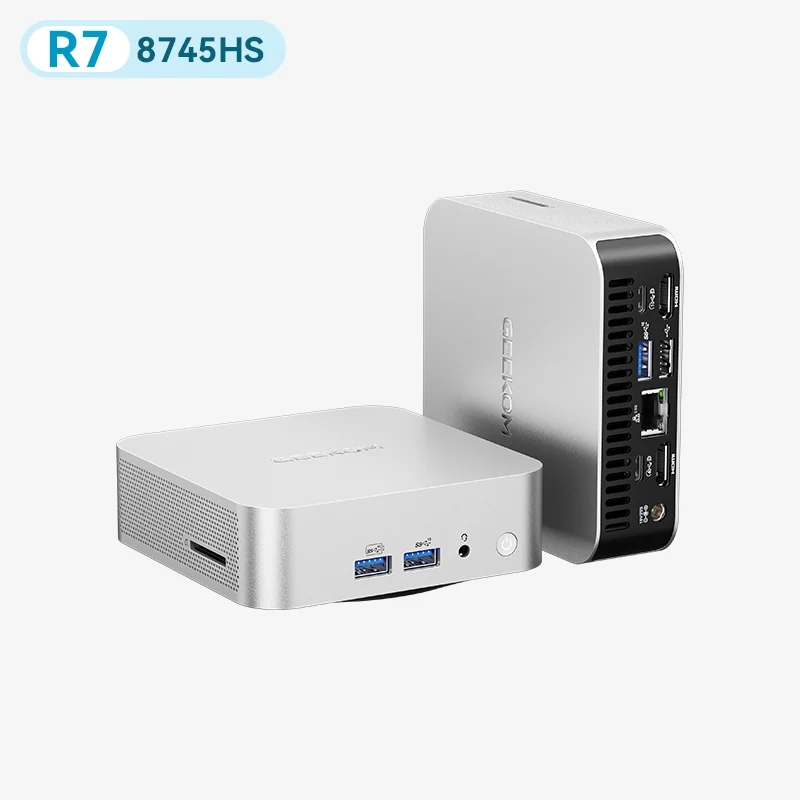
This GEEKOM mini PC is positioned as a general workstation for people whose day involves code builds, design files, 4K exports, an
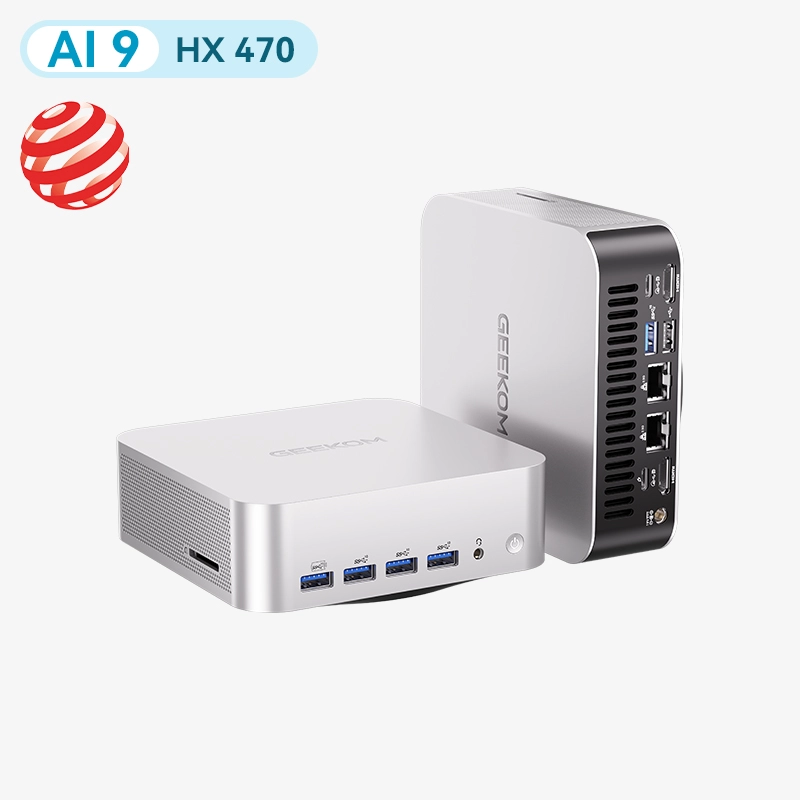
This GEEKOM desktop is the most capable machine in the A-series for people whose main work is local AI, agents, and always-on serv