amd
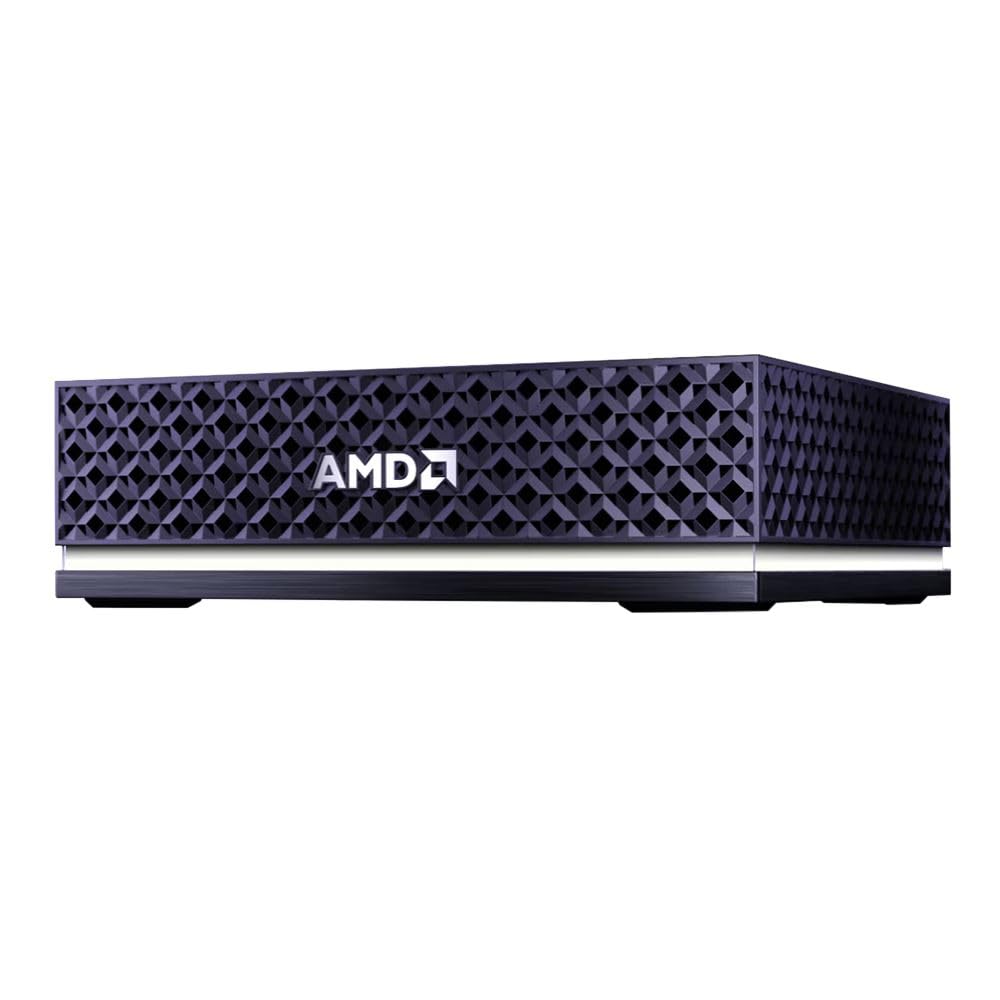
AMD Ryzen AI Halo (Ryzen AI Max+ 395, 128GB LPDDR5X / 2TB, Linux)
If you want to run large local models at home without building a tower with multiple graphics cards, this AMD machine is designed
128GB50 TOPSStrix Halo (Max+ 395)

Discrete vs. integrated, and the eGPU in between
A person deciding between a discrete graphics card and an integrated core for AI is really deciding between two different machines, and the right answer depends on one question that has to be answered before the buy: what is the largest model I will run, and how hard will I run it, and am I the only one who will run it. This article answers that, and the short version is that most people do not need the discrete card, the integrated core is enough for the 27B class, and the one configuration that genuinely calls for a card is a different and more expensive machine than the one they are looking at.
The integrated core is enough for the case that most of this market is actually selling, which is a single user, running a 27B-class model, for inference, at an interactive or agent pace, on a machine that sits at a desk. The core spends the shared memory well, the memory is the number you chose, and the whole thing is quiet and small and cheap. That is the default, and it is the right default, and the fact that most people land there is not an accident. The reason it is enough is that the workload, single-stream inference of a model that fits in the memory, is a memory-bandwidth workload, and the integrated core, on a dual-channel configuration, gives the bus the bandwidth the 27B model needs at the class we are discussing, and the memory is the same memory you chose, so the ceiling is the one you set, not a fixed VRAM number. That is the entire case for stopping at the integrated core, and it is a complete one for that workload.
The case where you need the discrete card is where any of those conditions changes, and each of them is a specific and identifiable situation. The first is model size, if the model is much larger than the 27B class, where the memory that the APU can give you starts to be insufficient even at its top configuration, and you need a card whose VRAM pool is the point, which is a card with a large fixed pool. The second is the workload, if you are doing fine-tuning, or training, or concurrent serving of more than one user at a time, because those are compute-bound or multi-stream workloads where the integrated core, which is built for single-stream inference, is not the right tool and the FLOPS and the parallelism of a real card are the point. The third is the use, if the machine is not a workstation at a desk but a server in a rack or a build that other machines talk to, where the form factor and the power and the expansion are what you are buying and the integrated core is the wrong shape. None of those is the default, and each one is a different and more expensive machine than the APU box, which is exactly why it is a choice and not a default.
The eGPU case is the one that confuses people, because it looks like it gives you both, the small mini-PC and the discrete card, and it sort of does, and it is worth separating honestly. A mini-PC with an external discrete AMD GPU is a real configuration, and it is the right one for a specific person, the one who wants the small and quiet and small-desk machine of the APU box but who has a workload that is genuinely in the discrete territory, a large model, or training, or concurrent work, without giving up the form factor. The catch, and it is the catch that keeps it from being the default, is that the eGPU is the discrete card and the power brick and the enclosure and the cable, all of which are the cost and the heat and the size that the APU box is avoiding, plus the fact that the data path to the external card is over a link that is slower than the memory on the die, which is exactly the bottleneck that makes the integrated core good in the first place. So the eGPU is a trade, and it is the right trade for the specific person who needs the card and not the right trade for the person who does not.
So how do you decide, in practice, in the order the decision should happen. First, the model, what is the largest model you will run, and if it is in the 27B class, stop, the integrated core is enough, and you are done. Second, the workload, are you training, or fine-tuning, or serving more than one user, and if yes, you are in the discrete territory, and the question becomes which card, which is a different article, but the answer is that you need the card now and the APU box is the wrong machine. Third, the use, is this a desk machine that is quiet and small and on long, or a machine that is a server or a build, and the answer decides the form factor, and a server is not an APU box and a desk machine is. Do those three in that order and the decision is not a brand decision and not a spec decision, it is a workload decision, and the workload is the thing you know, and the machine is the thing that answers it, and the integrated core answers the workload that most of this market is built for, and the discrete card answers the ones it is not, and the eGPU is the bridge for the person who needs both and cannot give up the desk.
The honest summary, because it is the whole point. The integrated core is not a compromise for the 27B class, it is the answer, and the people who buy a discrete card for that class are usually buying the form factor and the FLOPS of a machine that is not the right shape for the work they are doing, and paying the power and the noise and the price of the difference. The discrete card is not a mistake, it is the right tool for the training and the large-model and the multi-user work, and for any of those it is the only honest answer. But the default, the desk, the quiet, the 27B, the single user, the interactive, is the APU box, and the reason the market has converged there is not the price, though the price helps, it is that the shape of the default workload, single-stream inference of a model that fits, is exactly the shape the integrated core is built for. Decide what you are actually doing, in the model-then-workload-then-use order, and the card question answers itself, and it is almost never the answer it is sold to be.
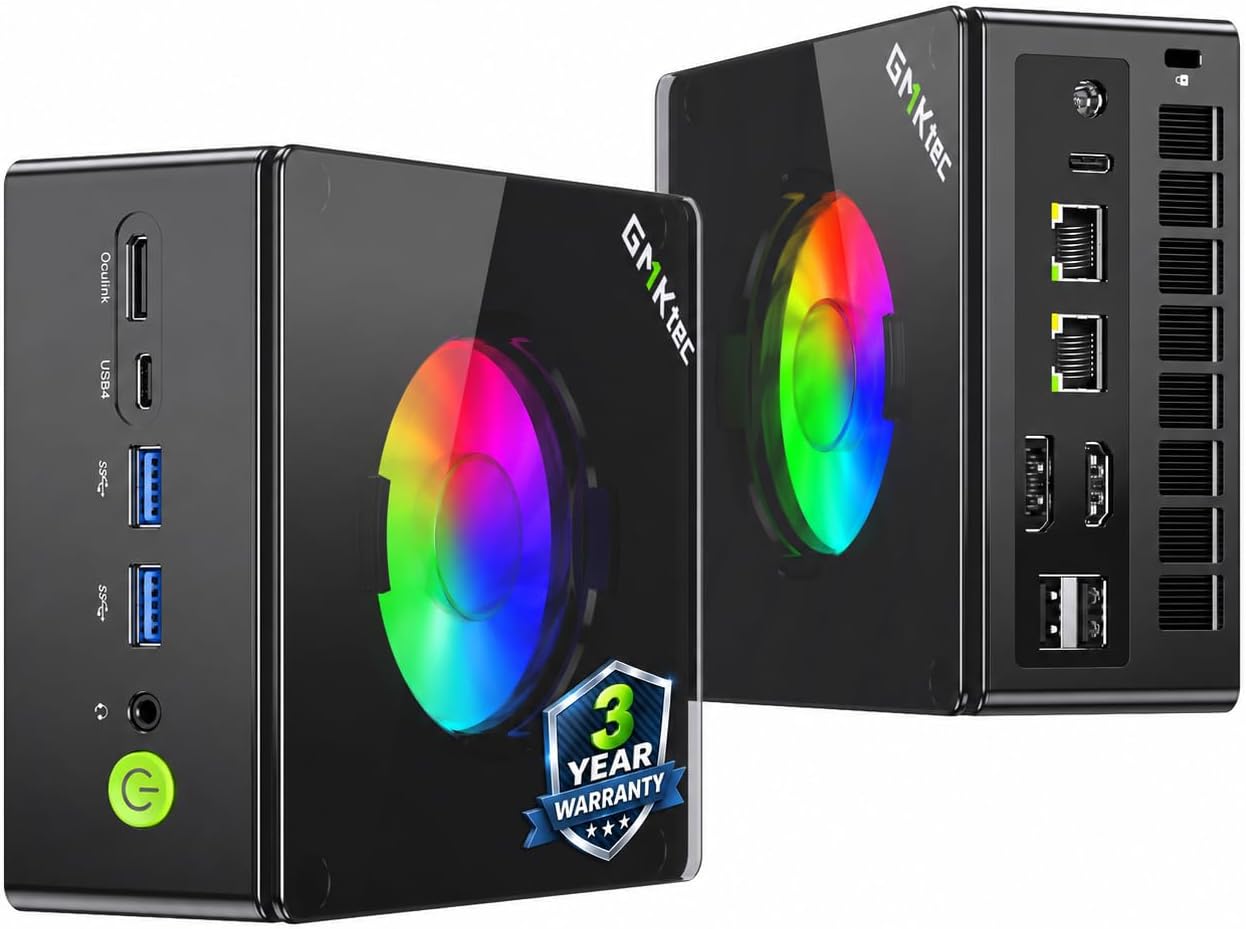
This GMKTec desktop is the compact Ryzen 9 choice for people who want office performance, editing speed, and a path to desktop-class gaming without a large tower. The Ryzen 9 8945HS provides eight Zen 5 cores and sixteen threads to 5.2GHz on a 4nm process with 16MB of L3 cache, and the Radeon 780M adds 12 RDNA 3 compute units to 2800MHz for 4K timelines, light 3D, and 1080p to 1440p gaming. The chip also carries a 16-TOPS XDNA 2 neural processor that GMKTec headlines less prominently, so place this machine as a productivity desktop first with AI assist second, covering Copilot-style features, background enhancement, and small local models rather than sustained 27B inference. Memory is 32GB of DDR5-5600 in dual channel across two SO-DIMM slots to 128GB, which handles heavy browser work, virtualization, and one active model alongside desktop applications. Storage on this listing is a 512GB PCIe 4.0 NVMe drive with a second M.2 slot taking internal capacity to 8TB, while a 1TB build exists as a separate listing for buyers who would rather add capacity later. The chassis is easy to open, with a translucent top cover that twists off by hand, a metal body, and dual-fan, dual-vent cooling on a 35W default that scales to 70W for renders and games. Connectivity is strong for the price, with two USB4 ports at 40 gigabits per second with power delivery and DisplayPort, HDMI 2.1 and DisplayPort 2.1 both rated to 8K at 60Hz, a dedicated OCuLink port at PCIe x4, dual 2.5-gigabit Intel wired ports, Wi-Fi 6, Bluetooth 5.2, and a built-in microphone. Integrated graphics needs the OCuLink card for 4K gaming, so plan for the dock if that is the goal.
If you want to run large local models at home without building a tower with multiple graphics cards, this AMD machine is designed
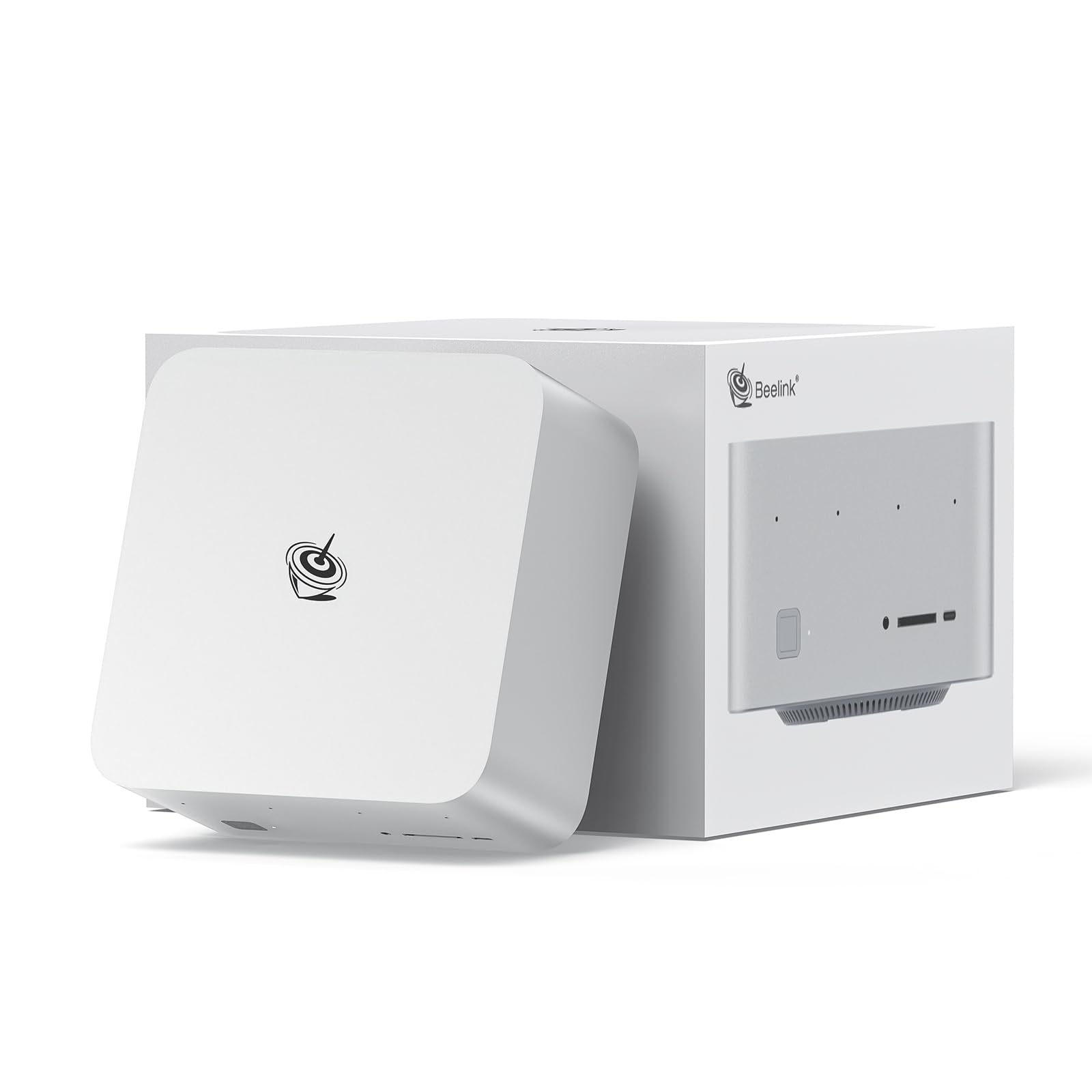
This Beelink desktop targets home labs and small teams that want 70B-class local inference in a compact chassis without assembling
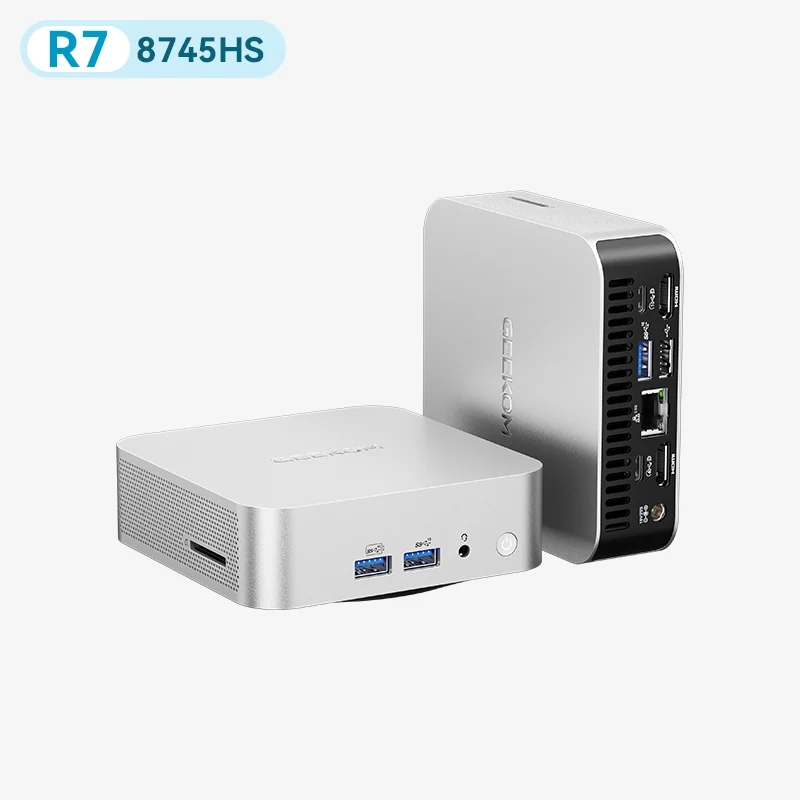
This GEEKOM mini PC is positioned as a general workstation for people whose day involves code builds, design files, 4K exports, an