amd
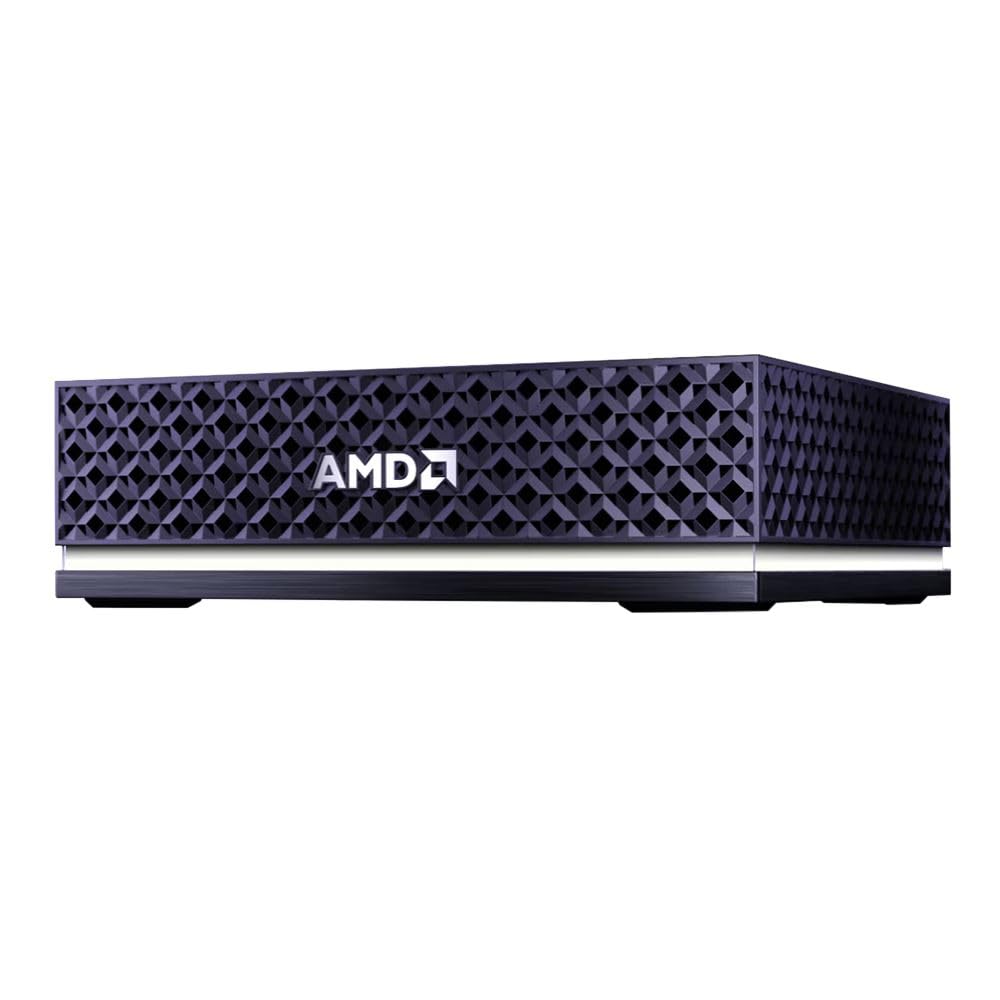
AMD Ryzen AI Halo (Ryzen AI Max+ 395, 128GB LPDDR5X / 2TB, Linux)
If you want to run large local models at home without building a tower with multiple graphics cards, this AMD machine is designed
128GB50 TOPSStrix Halo (Max+ 395)

The hobbyist, the business, the creator, the professional
Hardware for AI is not a single purchase. It is a set of purchases, one per life, and the buyer who spec-sheets one machine for everyone ends up overpaying for some needs and underbuying the rest. The fix is to flip the page: four concrete AMD builds, one per use case, each stated with the exact machine, the exact budget, and the exact reason it is the one. A reader with one of these four lives finds the row and stops shopping. The four lives are the hobbyist, the small business, the creator, and the professional, and all four run on the same RDNA 3 APU family at different sizes, because the size is the use case, not a different part.
The hobbyist build gets someone through the door, and it is the sub-thousand-dollar APU. It is the RDNA 3 core in the 780M class, and the move that makes it work is to spend on memory rather than on the top chip: thirty-two gigabytes instead of sixteen. The reason the hobbyist build is thirty-two, not the cheapest box on the shelf, is that the model is the lesson. A sixteen-gigabyte machine loads the twenty-seven-billion right at the edge, and at the edge it fights the reader for context. The worst possible machine for a learner is the one too small to show what the thing can do. The thirty-two machine shows it, the 780M shows it at a usable speed, the box is the size of a book on the desk, and the whole configuration lands under a thousand dollars. That is the hobbyist pick, and its lesson is that at the entry level the budget is better spent on memory headroom than on a faster chip, because the memory is the ceiling and the chip is already comfortably below it.
The small business build is the under-two-thousand machine, and it is the one where the reason for the purchase is not capability, it is trust. A business that runs its own model is usually doing so because the documents and the data should not leave the building, and the machine has to be one the owner can defend, and one that will not need replacing next year. That is the flagship RDNA 3 core, the 890M class, paired with sixty-four gigabytes of memory, at the top of the two-thousand range. The extra money is the point, not a luxury. The business runs the model continuously, continuous operation is exactly where the wait costs real time, and the faster core and faster memory cut that wait, while the sixty-four gigabyte pool holds the model, the context, the agent, and the work together for a long time. That is the business build, and its whole argument is that the business is the person least willing to discover the box was too small, and the person least willing to buy a second one.
The creator build is the hardest to separate from the other two, because the creator is doing the hobbyist work and the business work at once, and the machine has to serve both. It sits in the middle budget: the RDNA 3 core in the higher 805M class with forty to sixty-four gigabytes of memory, at a price between the other two builds. The creator is running the drafting, summarizing, organizing, generating, and automating that a twenty-seven-billion model is good at. The creator is also doing work that needs a long context, because the work is a body of material handled over time. And the creator is running the agent, because the creator is the kind of person to have adopted one. All of that means the creator needs memory for the model, context for the material, and working room for the agent, simultaneously. The sixty-four gigabytes is the number that gives the creator all three. That is the creator build, and its separate reason is that the creator is the person who is the two budgets at the same time, and that person cannot afford to come in under the number.
The professional build is the top of the range, and it is the one where the reason is not a feature and not a price, it is reliability, headroom, and future, because the professional is not a person trying the technology, the professional is a person whose work runs on it. The professional will not buy a machine that needs replacing, that becomes a bottleneck, or that turns out too small the moment the work grows. That is the flagship core at sixty-four gigabytes: the most defensible and most future-proof, and the professional build. It earns a row of its own, rather than folding into the business row, because the professional is the person who is the whole market at once, and the whole market, when the work depends on it, is the top of the range. Set the four side by side and this is the market: the same RDNA 3 family at a gradient of memory, core, and price. The four rows are one machine at four sizes, the size is the use case, and the use case is the person. The reader who is one of the four finds the row, buys the machine, and stops comparing. That is the build guide, and it works because the machine, the memory, and the use have already decided what to buy. The reader only has to recognize their own life.
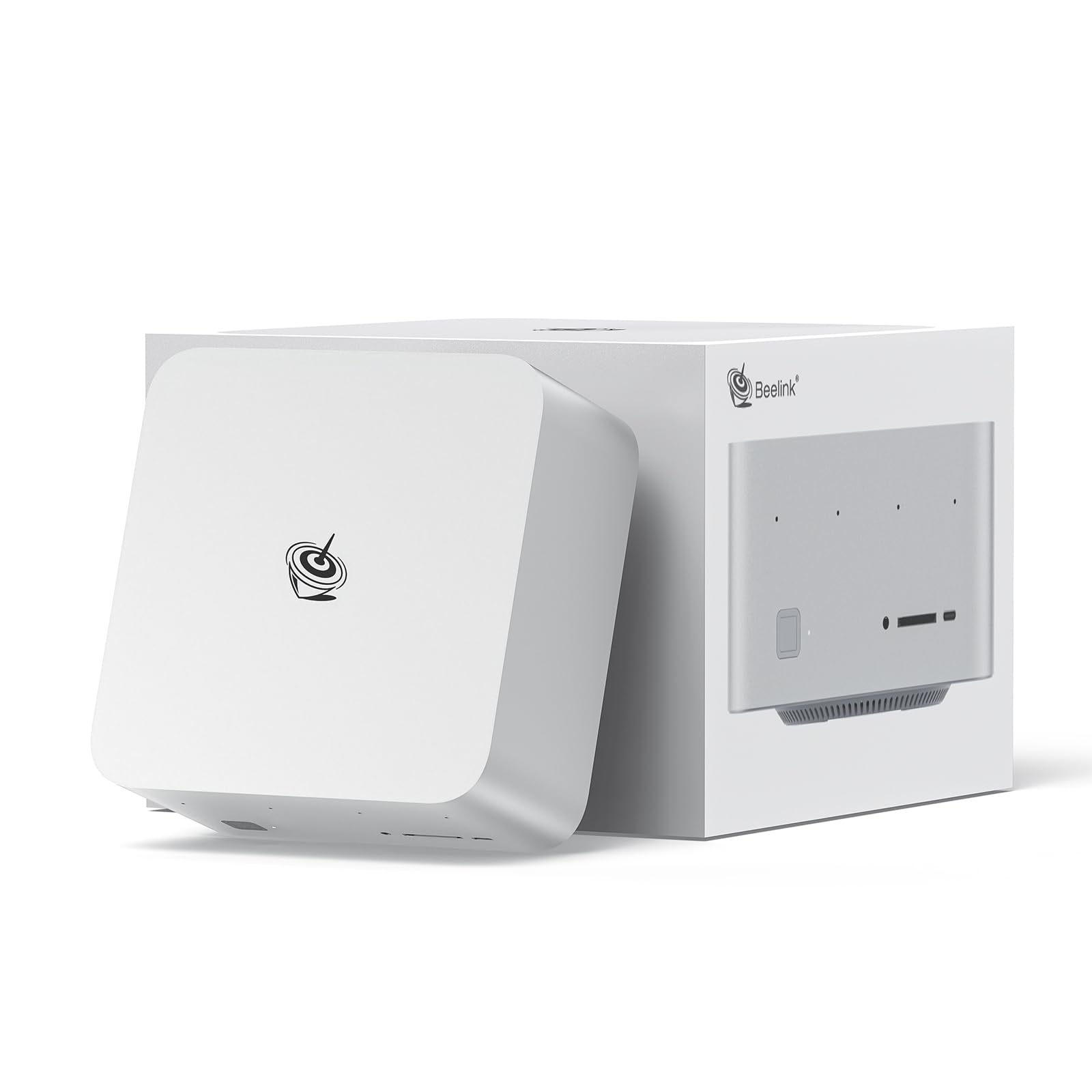
This Beelink desktop targets home labs and small teams that want 70B-class local inference in a compact chassis without assembling separate graphics cards. The Ryzen AI Max+ 395 provides 16 Zen 5 cores and 32 threads boosting to 5.1GHz, the Radeon 8060S adds 40 RDNA 3.5 compute units with 2,560 stream processors, and a 50-TOPS XDNA 2 neural processor lifts combined CPU, GPU, and NPU output to roughly 126 TOPS. The defining choice is 128GB of LPDDR5X memory soldered on the board, with a large portion assignable as graphics memory so model weights and context live in one pool the graphics engine can address directly. That supports quantized 70B-class models, long-context chat, retrieval pipelines, batch OCR, and vision workloads that would exceed smaller unified-memory boxes. Storage starts at 2TB on PCIe 4.0 x4 and expands across dual M.2 slots to 8TB, which keeps a full model library onboard. Connectivity includes two 10-gigabit Ethernet ports for clustering or shared queues, Wi-Fi 7, Bluetooth 5.4, one USB4 port at 40 gigabits per second plus a 10-gigabit USB-C port, two USB 3.2 ports at 10 gigabits, HDMI 2.1 and DisplayPort for up to four screens at 8K and 60Hz, an SD 4.0 reader, dual audio jacks, stereo speakers, and a built-in microphone with five-meter pickup. MSC2.0 cooling is rated near 32dB, and Beelink includes a three-year warranty with lifetime technical support. Keep model files on the second drive when possible so downloads never crowd the working system volume. For shared home use, plan how several people will reach the machine, since one chassis mainly serves a single desk or control point. The memory is fixed at purchase, so choose this tier when 70B-class capacity is required now, and check the live listing for price and stock.
If you want to run large local models at home without building a tower with multiple graphics cards, this AMD machine is designed
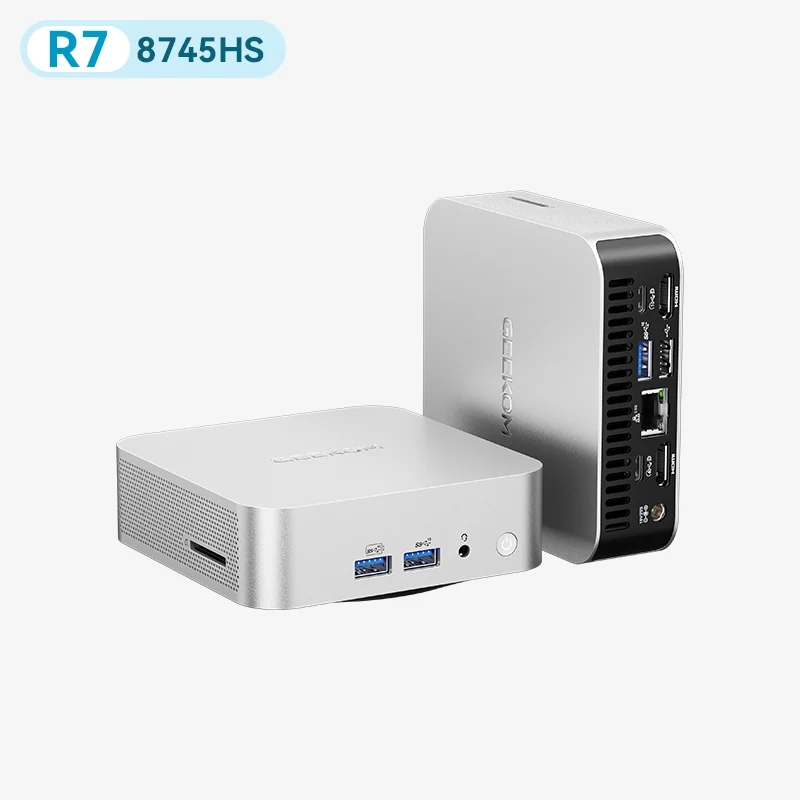
This GEEKOM mini PC is positioned as a general workstation for people whose day involves code builds, design files, 4K exports, an
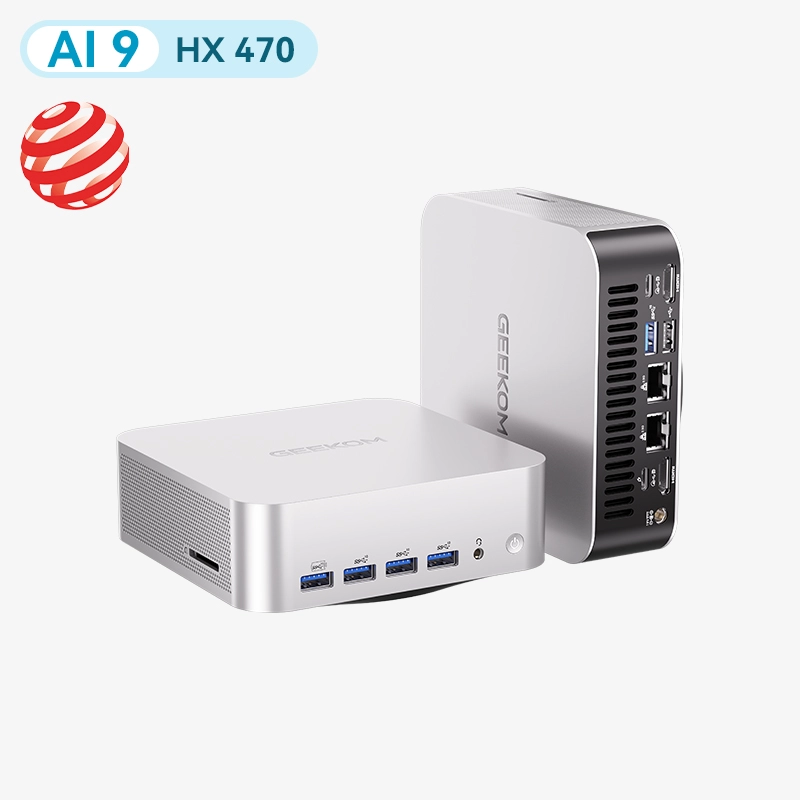
This GEEKOM desktop is the most capable machine in the A-series for people whose main work is local AI, agents, and always-on serv